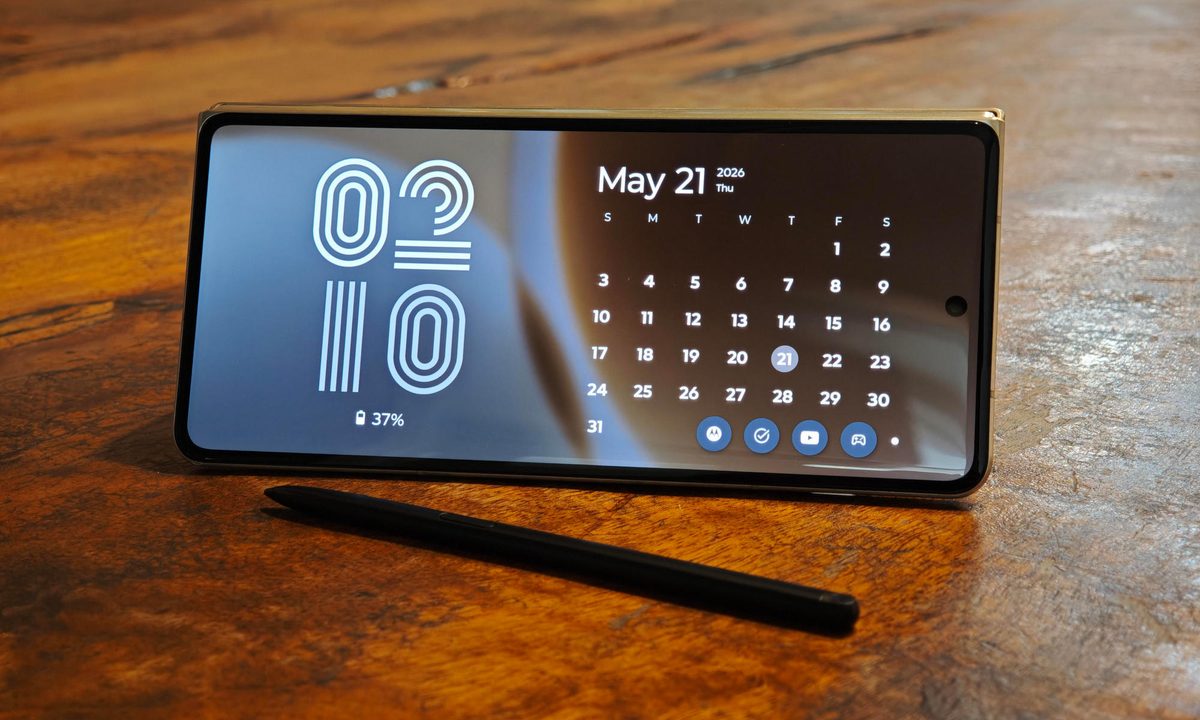
I had mostly made peace with the idea that phone styluses were for a very specific kind of user. There are a few who prefer taking notes the old-fashioned way (sort of), artists that can get some value out of this, or Galaxy Ultra loyalists who’d stand by this. But for the vast majority, a stylus doesn’t necessarily enhance the experience.
So when I first started using the Motorola Razr Fold with the Moto Pen Ultra, I did not expect it to change my mind. A stylus on a foldable makes sense on paper because you get a larger canvas. But phone pens often sound better in theory than they feel in daily use. The Moto Pen Ultra surprised me because Motorola has not treated it like a tiny writing stick. It is closer to a remote, shortcut tool, sketch pad companion, and much more packed into one accessory.
The Bluetooth tricks are genuinely useful

One of the best surprises was using the Moto Pen Ultra as a remote camera shutter. I could set the Razr Fold down, frame myself properly, and use the pen to take a selfie without rushing back to the phone or awkwardly stretching my arm into the shot.
This isn’t a brand-new feature, as Samsung’s S Pen has offered this feature in the past. However, Samsung stopped shipping its flagship Ultra models with Bluetooth-enabled S Pens in recent years. So you don’t get those handy remote camera controls. But that’s not the only trick up Moto Pen Ultra’s sleeve.
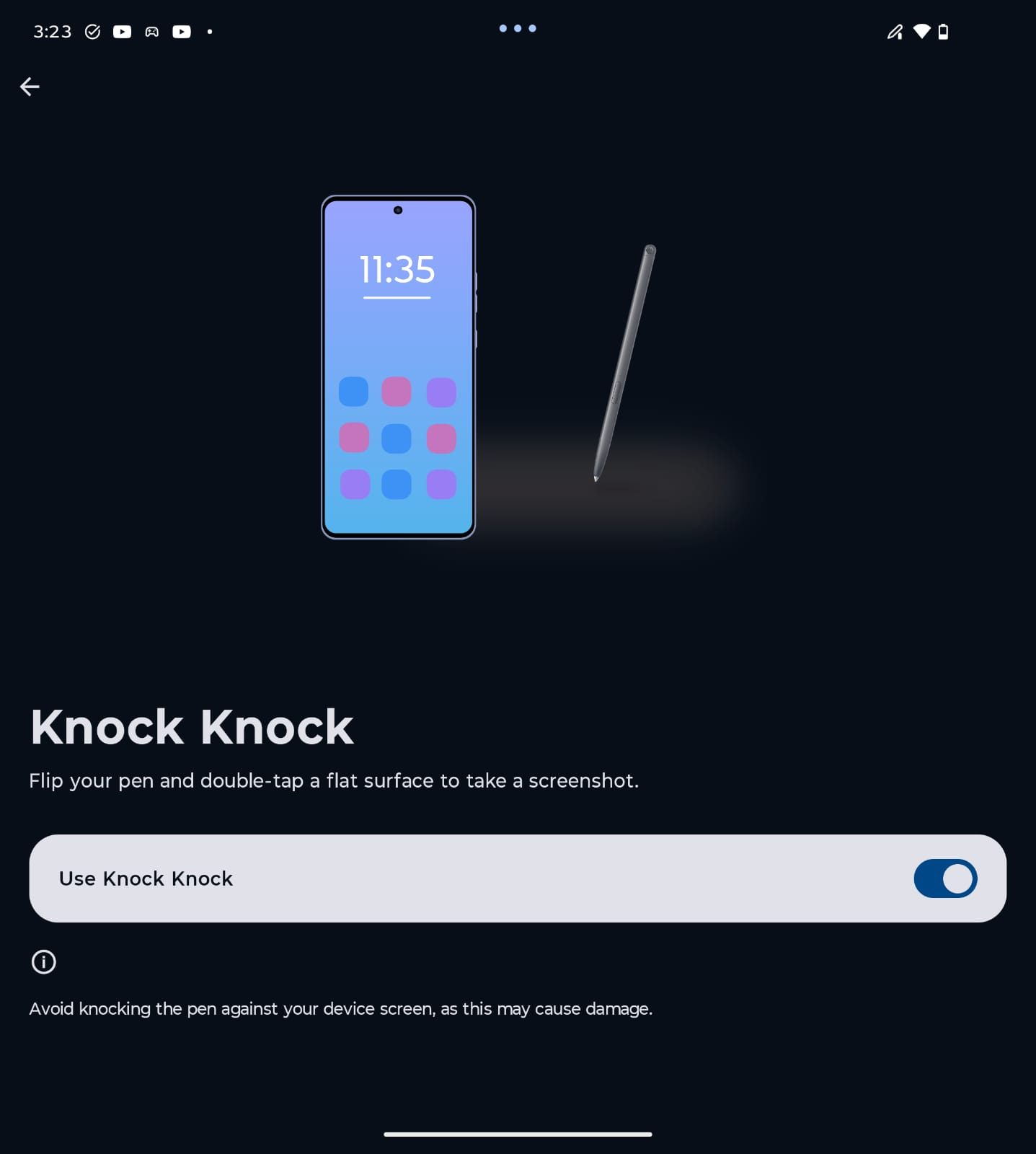
The coolest party trick is called Knock Knock. You flip the pen and double-tap its opposite end on a flat surface to take a screenshot. It sounds absurd the first time you hear it, but it is weirdly satisfying in practice. There is something fun about physically tapping a pen on a table and watching the phone capture the screen.
Annotation from anywhere changes things
The other feature that clicked for me was quick annotation. By long-pressing the stylus button, I could pull up annotation tools from almost anywhere and write directly over what was on-screen. I’m sure you can already see just how convenient it is to add notes to anything on your screen. So at one point, the Razr Fold came across like a digital notepad rather than a typical foldable.
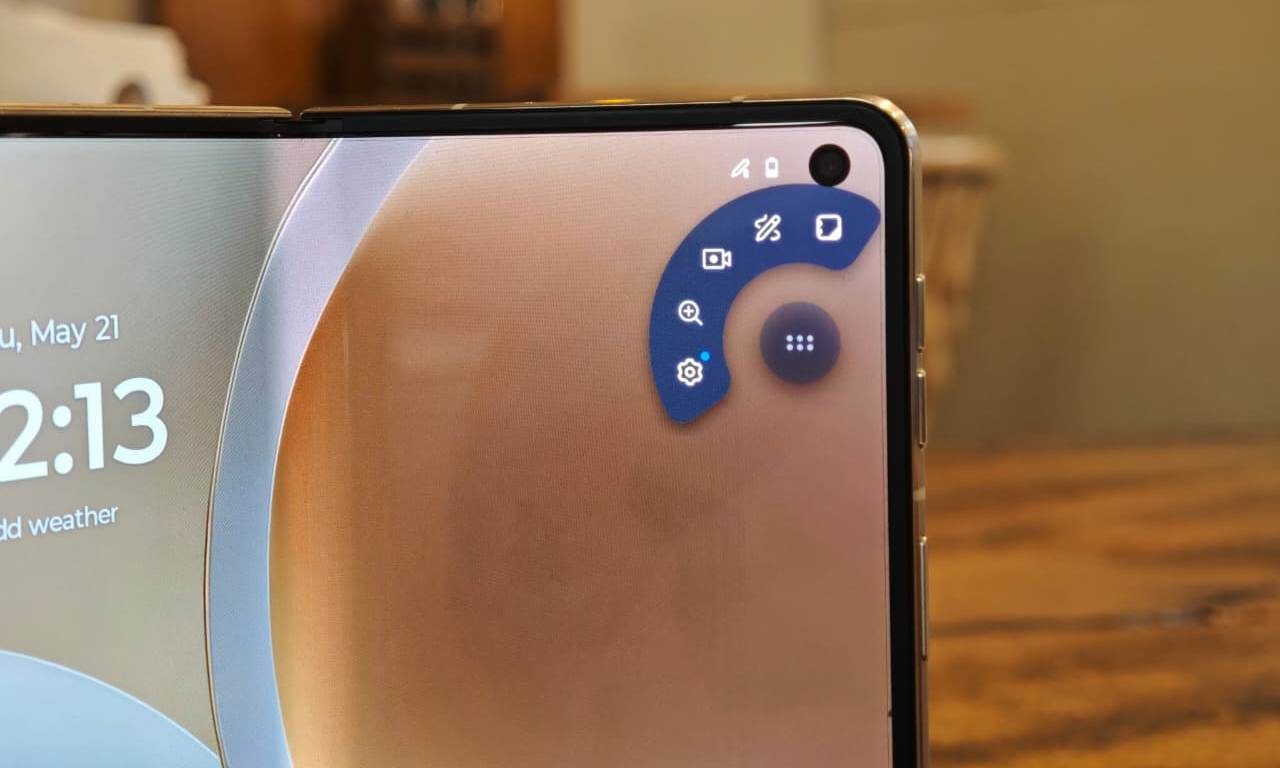
Reading something? Mark it. Need to save a thought before it disappears? Open the note flow quickly. You can also configure the pen button to go straight into the Notes app, which is probably what I would do if I were using this every day. I had used the Razr Fold as a regular foldable for the first week, but things got different when the stylus came into play.
Sketch to Image is ridiculous in a fun way
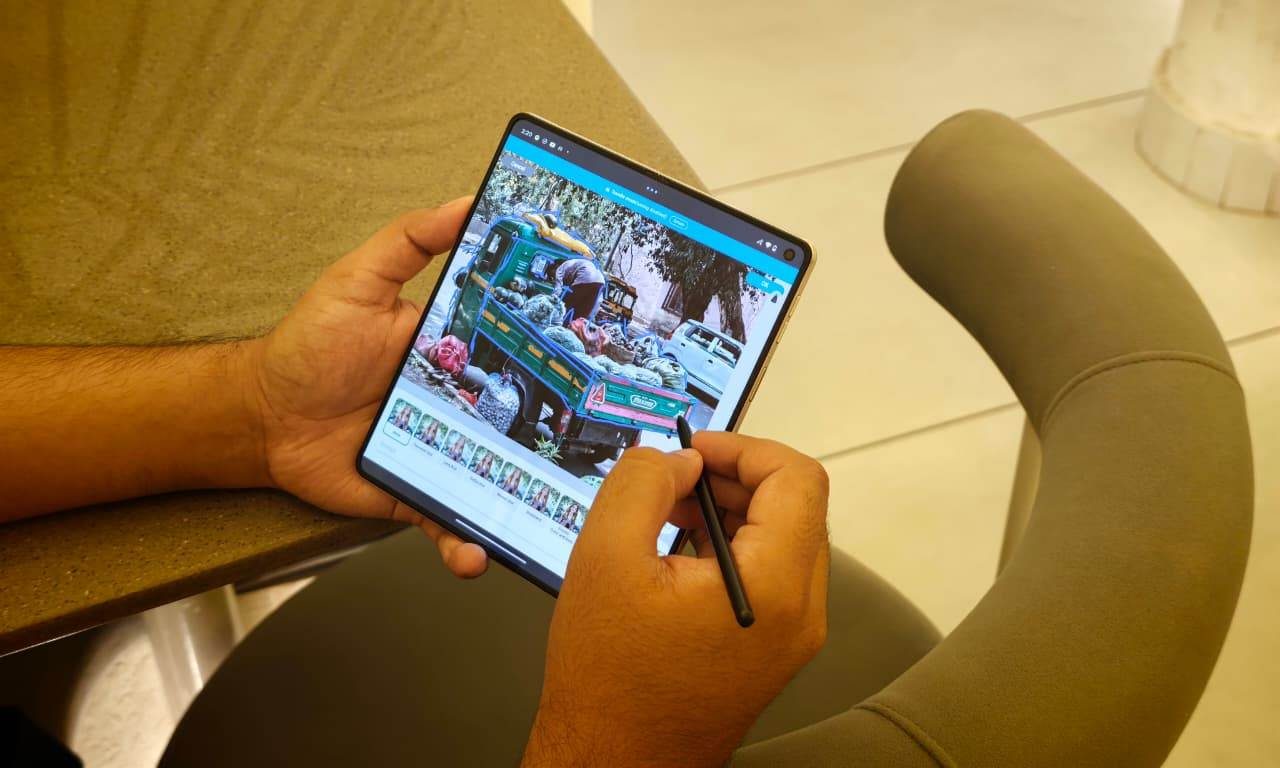
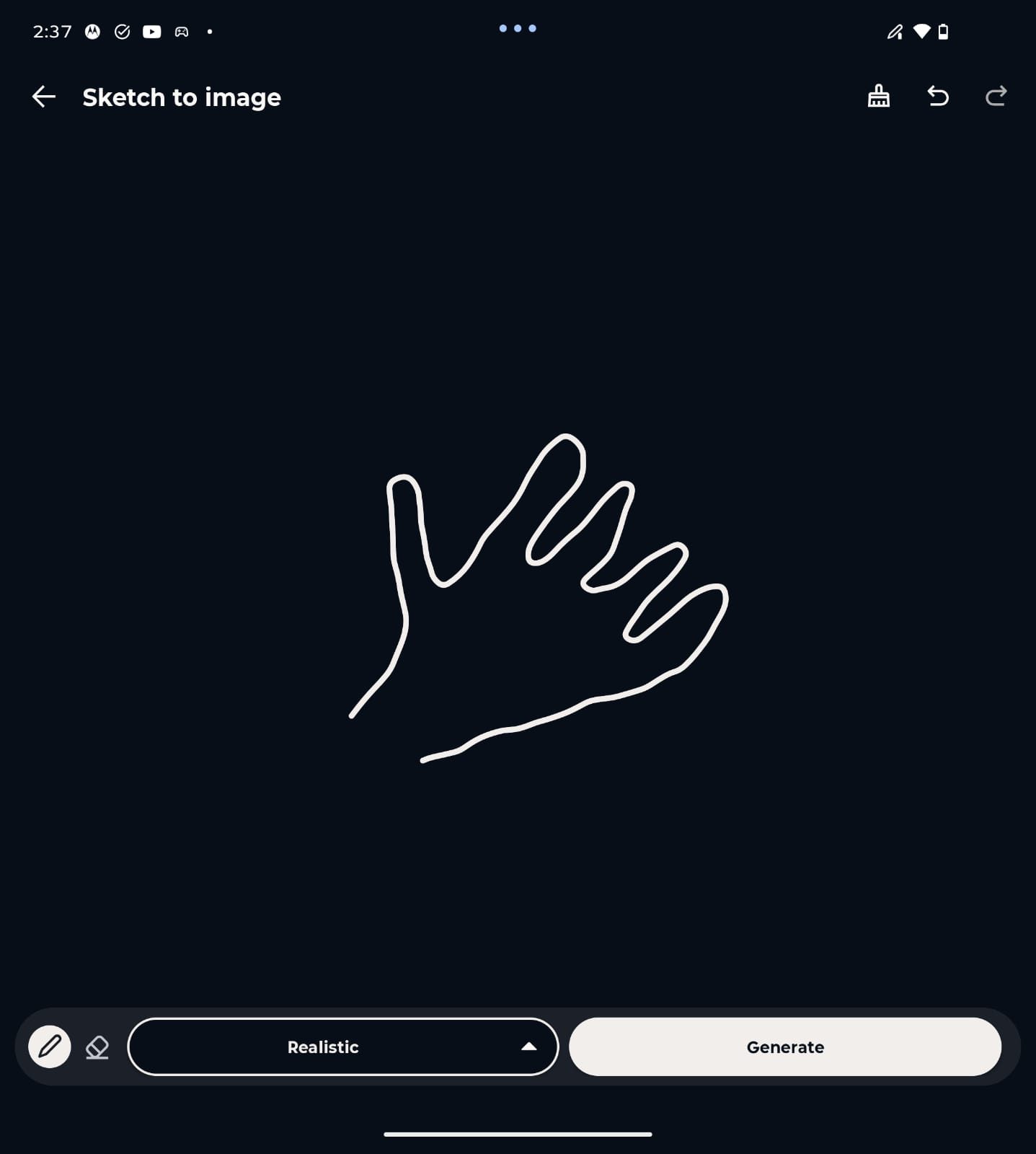
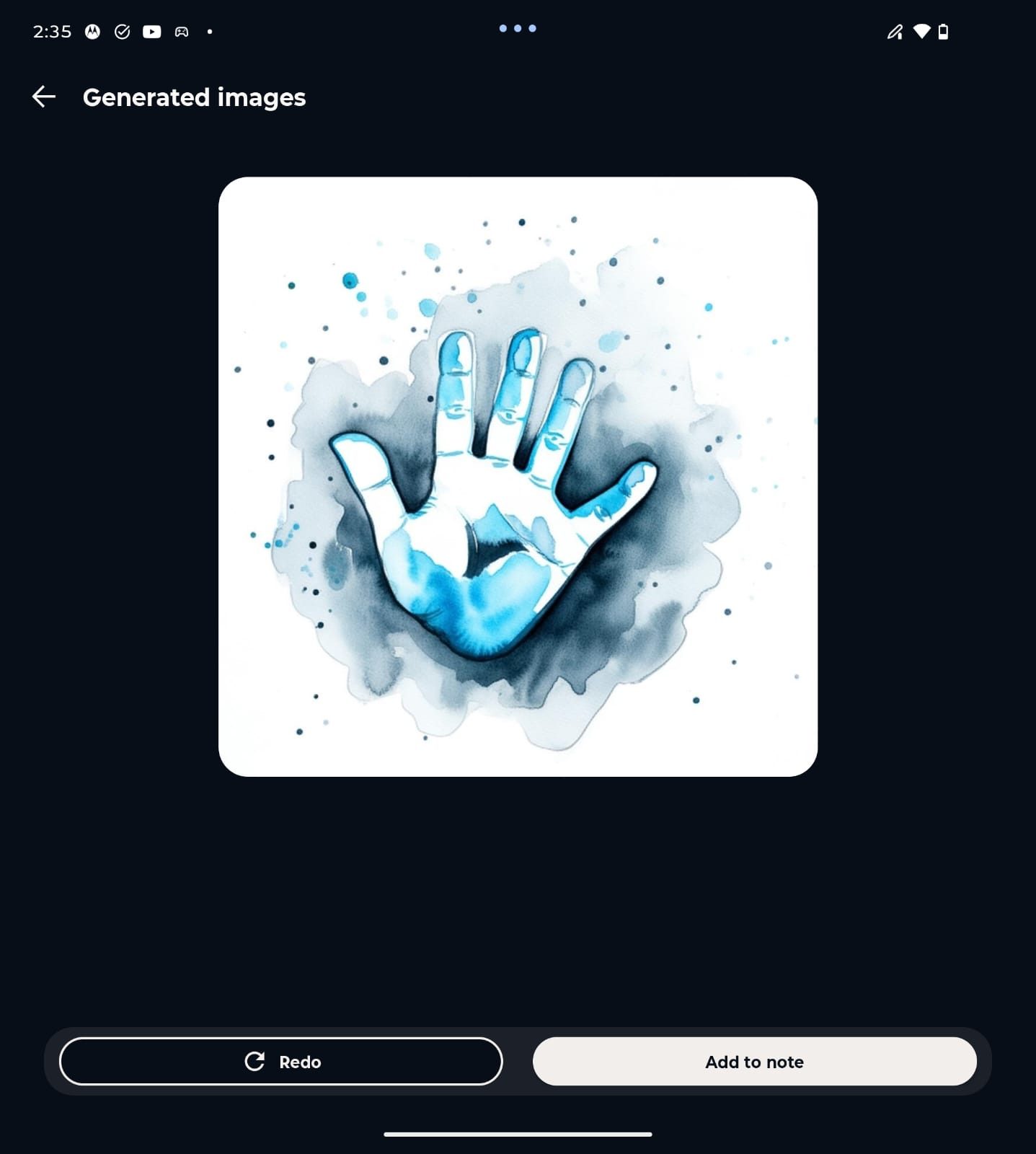
I’m no artist, but I’m surrounded by plenty of them— and they had fun using the Pen Ultra to edit pictures and make sketches on the Razr Fold. For me, there was Sketch to Image. I don’t support AI-generated art, but I can’t deny that it’s fun to see the machine struggle to look at my horribly drawn sketches and turn them into something that seems like art. I drew a bad outline of a hand, and the phone turned it into a surprisingly polished AI-generated image.
Part of the fun is seeing how much the phone can interpret from an awful scribble. I do not think this becomes a daily productivity tool for everyone. But as a creative feature, it makes the pen feel more playful.
Smaller shortcuts are actually great
The flashier tricks are fun till you realize you don’t really use them too often. What really sticks around is the convenient interactions that are always on offer. Quick Clip is one such example that lets you highlight text and send it directly to a new or existing note using the quick toolbar. Speed Share can suggest people you may want to send notes or annotations to based on usage patterns. Both of these are a part of the Moto Pen Ultra’s smart toolset.
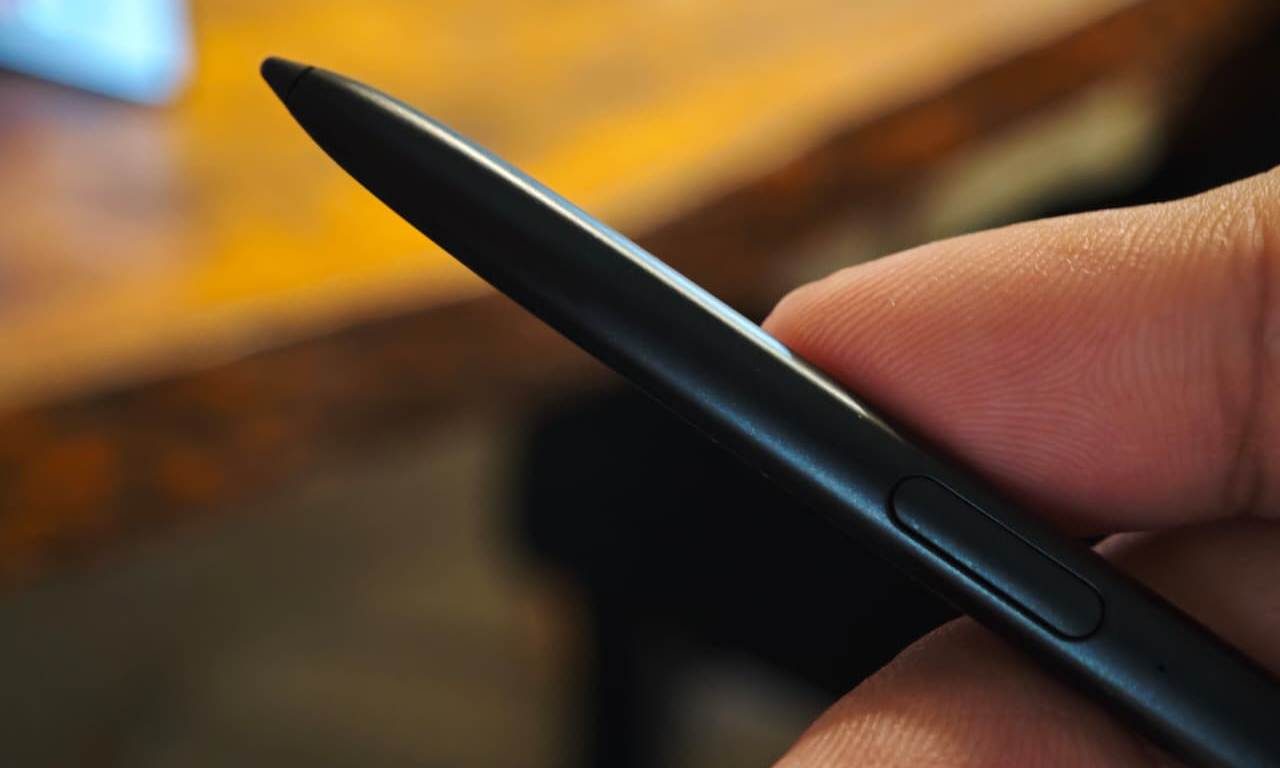
These are the quality-of-life stuff that shows deliberate functions were built specifically for this product. All of this isn’t restricted to the big folding screen either. You can use the stylus on the main and cover display.
While I still don’t think every foldable buyer needs a stylus, and plenty of people will use the Razr Fold without ever feeling like something is missing, Motorola has a decent argument about why this accessory exists.