

If you’re looking to get the best web browser for your Mac, there are a few things you need to look out for. A speedy experience is a must, as is a user interface that’s easy to navigate. You probably want one that is stable, protects your privacy and has strong defenses to keep you safe and secure. And having access to a large range of excellent extensions can’t hurt either.
That might sound like a lot, and given the huge range of web browsers available on macOS, it can sometimes feel bewildering. But don’t worry, as we’ve combed through the best web browsers macOS has to offer and picked our favorites. Before long, you’ll know exactly what you should be going for based on your needs and situation.
Safari

Apple has done an incredible job of optimizing Safari for today’s internet needs and Mac machines. The result is a web browser that’s usually the best option for getting things done on macOS. It has cross-site tracking and built-in ad targeting prevention for privacy. Add Apple’s famously locked-down system, and you have a browser that’s secure and reliable (HTTPS certificates for sites on Safari must be renewed every year, for example). It’s also speedy, with the Jetstream 2 browser benchmark giving it a score of 281, higher than other popular browsers like Chrome and Firefox.
For Apple fans, Safari also offers amazing integration. At a moment’s notice, you can search for a title on the App Store or hand off your web browser session to another device like your iPad or MacBook. Integration with iCloud also allows you to use Safari’s password-management services if you prefer to avoid third-party apps. All in all, Safari offers excellent performance, is available on your Mac right out of the box, and has a growing number of extensions that allow you to expand its capabilities.
Chrome
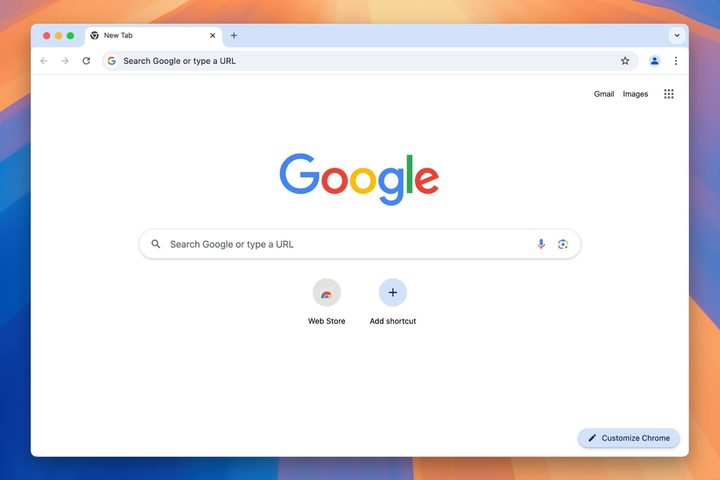
Google Chrome has made a name for itself with its minimalistic interface and rich collection of extensions for adding tools or apps directly to the web browser. The web browser can also aid you in translating webpages, double-check your security, and has robust settings that allow you to toggle nearly everything on or off as you desire. While not quite as speedy as Safari, our Jetstream 2 tests gave it a score of 271, which is only just behind Safari.
Chrome also excels at multitasking, and it’s one of the friendliest browsers for managing multiple windows and long strings of tabs in intuitive ways, so it remains a strong choice for those who need a lot of organization. It’s not entirely perfect — sometimes bugs can creep in, and it can be greedy for RAM — but it is frequently updated and offers strong customization options. It’s also very friendly with Chromecast devices and, of course, Chromebooks if you use Google’s system elsewhere.
Firefox
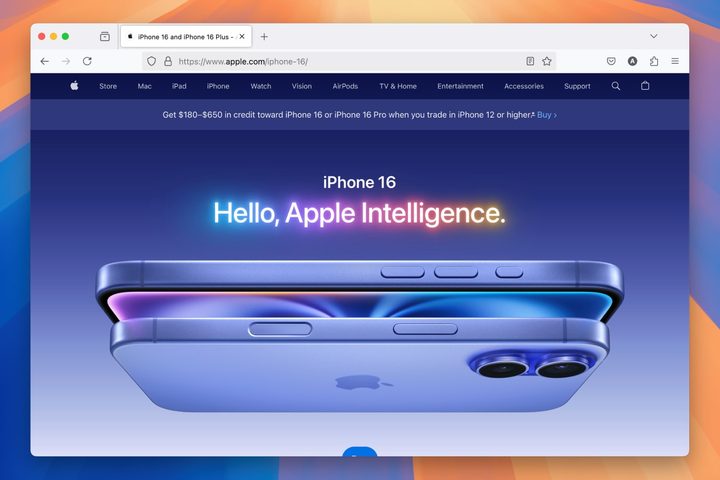
Firefox is one of the few mainstream browsers with an open-source origin, giving it a broad portfolio of add-ons for users to play with and customize as they see fit. In recent years Mozilla has proven adept at frequent updates, fixes, and optimization (including privacy restrictions that keep providers from selling your data). While Firefox is in excellent shape these days and makes an efficient alternative if you want to switch, it’s known to be a little slower than some of its rivals, so it’s not the best option if speed is your primary concern.
Where Firefox really shines is its personalization options, particularly when it comes to user privacy. On that front, you can use the Enhanced Tracking Protection to block or review whatever you want. If you want to build the web browser out as a workplace hub, you can download add-ons to support work apps, content checking, analysis, and much more. Even native features like picture-in-picture support or Pocket app integration make Firefox incredibly useful. It’s not as fast as the likes of Safari or Chrome, but it’s one of the best options if you’re conscious about privacy.
Microsoft Edge
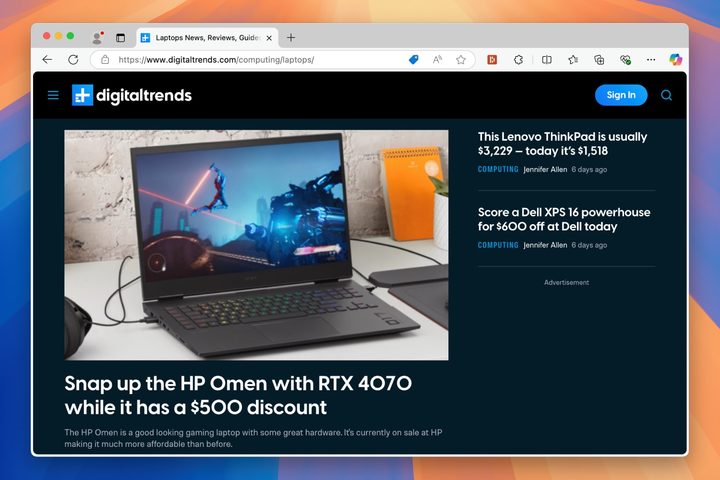
Microsoft Edge’s is based on the same Chromium system as Google Chrome, and it shows. The interface is clean and uncluttered, which makes it both excellent for organization and intuitive to understand. Chromium also gives it access to all the extensions on the Google Chrome Store, meaning you can almost always find the solution you want. Microsoft has also added some neat categorization that allows you to do things like save webpages in a Collection for future reference. Whether you’re switching from Chrome or just looking for a capable alternative web browser on your Mac, Edge is certainly worth a try.
Opera
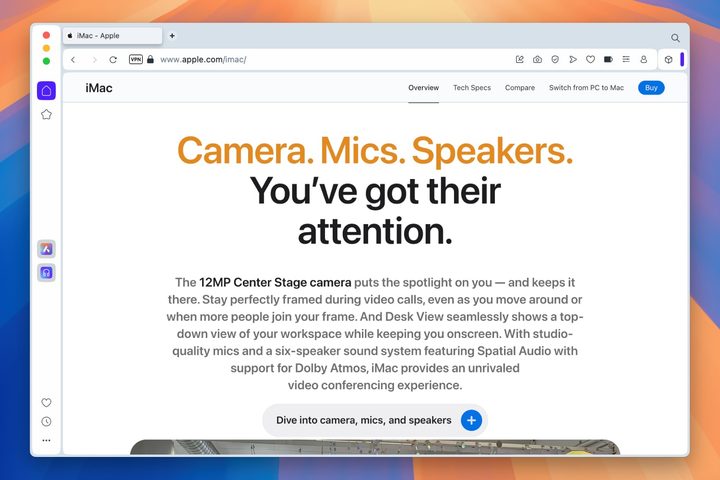
Users who have had problems with slowdowns or buggy performance using Chrome on their Macs may be able to find serenity in Opera, another web browser-based in Chromium but more focused on a lean, privacy-oriented structure. It’s made to be as efficient as possible, which is why it’s generally better for avoiding RAM shortages or unexpected crashes. Opera also is filled with intelligent, native features that modern-day internet users will immediately appreciate, including built-in ad blocking, built-in chat messengers that are always available, and even a free built-in VPN that you can enable for additional privacy. You also can customize it with options from a dark mode to web browser-specific keyboard shortcuts.
Brave
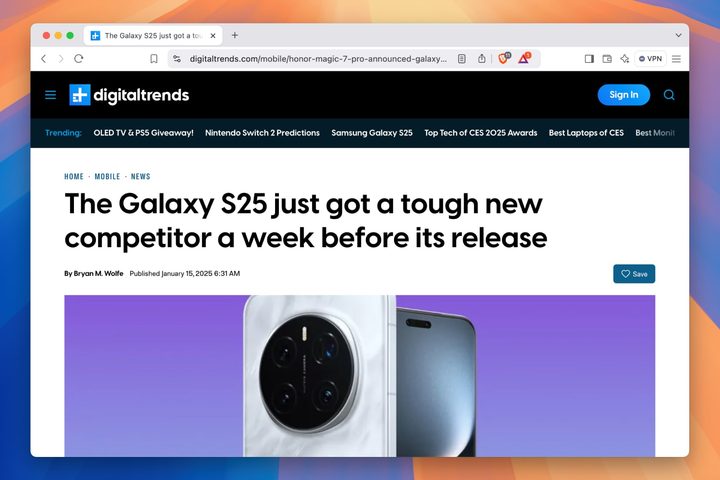
If using a browser that’s strong on privacy is a priority for you, Brave is a really strong choice. It offers in-depth privacy management for ads, scripts, and cookies, along with a built-in password manager and a constantly updated total of what’s been blocked. While phishing attempts and malware are automatically detected, you can customize other security settings to work site-by-site or for the entire web browser. It’s also extremely efficient, so if you are trying to save on battery life, it’s worth trying out.
Vivaldi
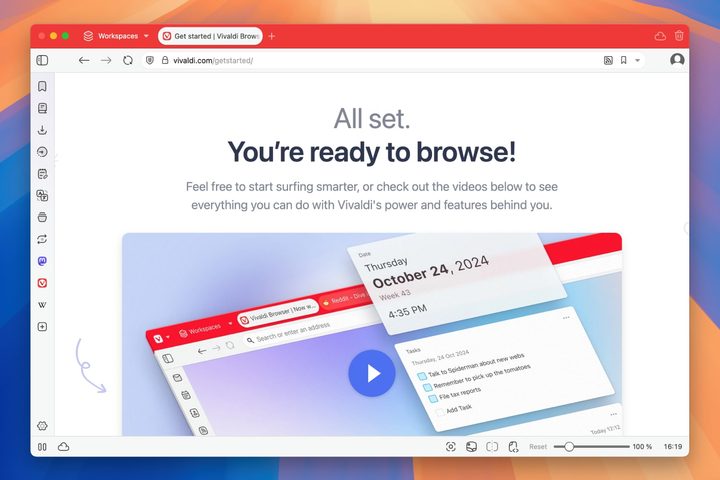
Vivaldi’s cross-platform web browser structure has several unique features that may be perfect for online experiences. First, the interface is incredibly customizable compared to the somewhat limited options of other web browsers, allowing you to string out or stack tabs as you want, divide into multiple sections for apps or menus, switch to thumbnail perspectives for certain web pages, and much more. There’s also plenty of compatibility for Chrome extensions and robust privacy measures that include blocking all kinds of tracking. It’s excellent for micromanagement, especially if you’ve been disappointed by web browser limitations in the past.


