A good graphics card is the keystone of a capable gaming PC. Unfortunately, things have gone off the rails in the world of PC graphics cards, so while we are still able to pit the Radeon RX 5700 XT vs. RTX 2070 and can create a stack of the best graphics cards for 2021, it gets a bit theoretical when we try to point you to the best place to actually buy your chosen graphics card.
The problem, as we detailed here, is the big shortage that is affecting supplies of all manner of materials. GPUs have been particularly hard hit as they are produced by the same handful of chip foundries that produce silicon for Apple, car manufacturers, and games consoles. When Toyota and Volkswagen are scrambling for supplies, you know things have gone bad. The double whammy for the PC gamer who just wants to buy an RTX 3080 is that GPUs are a dual-use product in high demand from crypto miners as well.
That makes even affordable graphics cards hard to come by. We did a little digging to see what’s out there, and there are a few graphics cards under $200 you may want to consider.
The cheapest graphics card we could find: Zotac GeForce GT 710 1GB
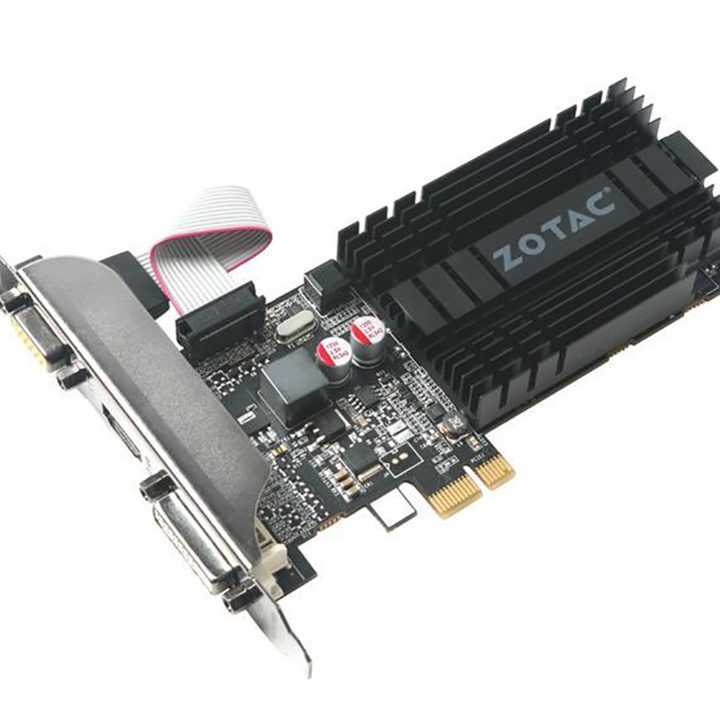
Let’s say you have built a PC powered by an AMD Ryzen or Intel F-model CPU that doesn’t have a graphics core and you’re still waiting for your shiny new Radeon RX 6800 XT to arrive — well, this Zotac GeForce GT 710 will get you up and running. Alternatively, you might be troubleshooting a faulty PC and are desperate for a graphics card — any graphics card — to pin down the problem.
The hardware inside the GeForce GT 710 is from 2013 and is rather basic; however, it supports DX12 and has a PCI Express x1 interface so you should have no trouble installing this graphics card inside your PC. The graphics outputs are rather restrictive and offer you VGA, DVI, and HDMI, but no DisplayPort. This Zotac card is so weedy that it is only rated at 25W power consumption and can get by with a passive cooler. There’s no denying the Zotac GeForce GT 710 is low-end, but it might prove to be a lifesaver in the right circumstances.
Reasonably competent: PNY GeForce GT 1030 2GB
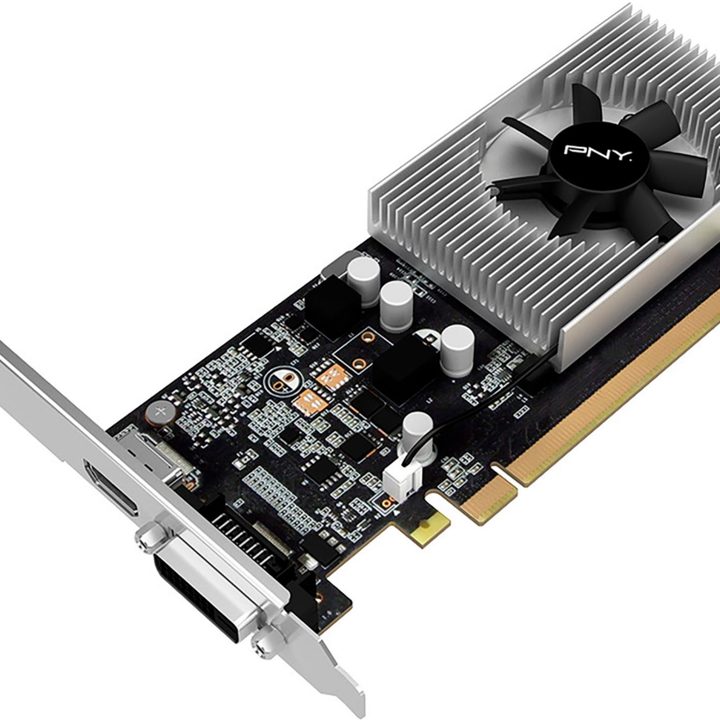
Anyone wanting to play low-end games like World of Warcraft or Dota 2 at 1080p will be happy enough with this card. If you have an old PC with horrendous integrated graphics that desperately requires an upgrade, the PNY GeForce GT 1030 2GB is certainly worth consideration, and the price is just about OK, even in these dark times.
With the GT 1030, we have just about arrived at the modern era of graphics with a clock speed of over 1, 200MHz and 2GB of GDDR5 memory. This PNY card is compatible with a PCI Express x16 slot, but it is rated at a lowly 30W and does not require a power connector. Let’s face it, if an expenditure of $130 can get you through 2021, the PNY GeForce GT 1030 2GB will pay for itself many times over.
Cheapest workstation graphics: PNY Quadro P400 V2 2GB
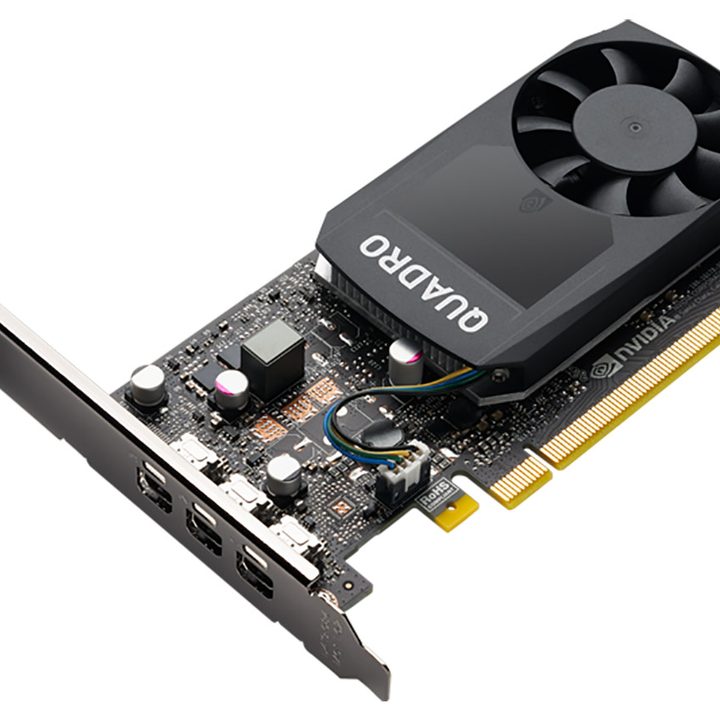
Workstations are all about making money, so the multi-monitor support provided by this PNY Quadro P400 V2 2GB could easily pay for itself in a matter of hours in the right circumstances.
Despite its understated appearance, this is a serious graphics card that will be recognized by Nvidia’s drivers as a Quadro and will give you the option of hooking up as many as three displays using DisplayPort 1.4 connections. The hardware includes video encode/decode and 7.1 audio, so while gaming is not a realistic proposition, you can certainly use the PNY Quadro P400 V2 2GB to watch movies.
Reasonable gaming on a low budget: Yeston RX550-4G D5 LP 4GB
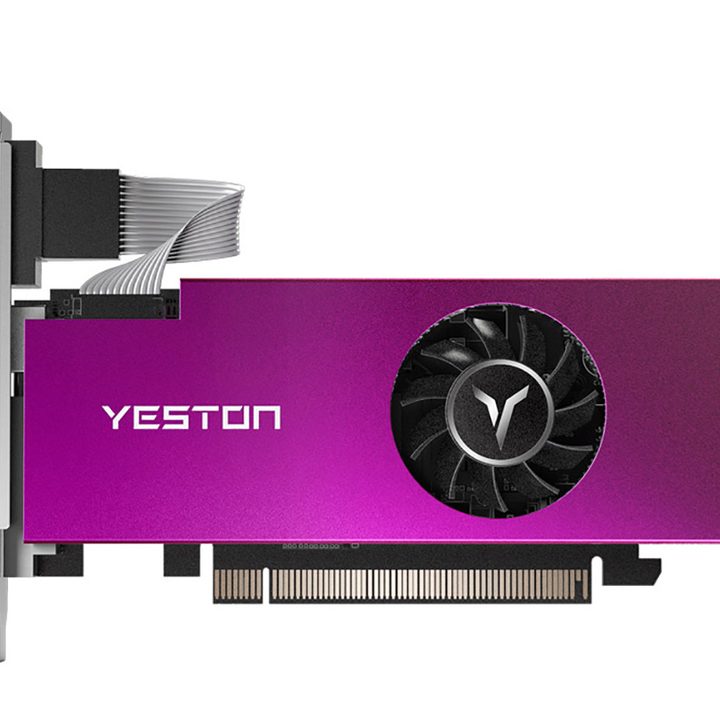
Hiding behind the garish heatsink shroud is an AMD Radeon RX 550 along with 4GB of GDDR5 memory. Once upon a time, the RX 550 would have cost about $80; however, those days are long gone.
It breaks our heart to recommend an RX 550 that costs the better part of $200, but right now it’s a decent deal. Naturally, you will have to accept your gaming experience will be unimpressive (and will look downright poor compared to the latest gaming consoles), but you could do considerably worse while you wait for a proper, modern graphics card to arrive at your front door.