  1. Home
  2. Computing
  3. News

Google’s new Gemini Spark AI agent can run your errands while you run your life

Google finally built an AI assistant that keeps working even when you stop.

Add as a preferred source on Google
Gemini Spark window
Google
Sundar Pichai stands in front of a Google logo at Google I/O 2021.
This story is part of our complete Google I/O coverage

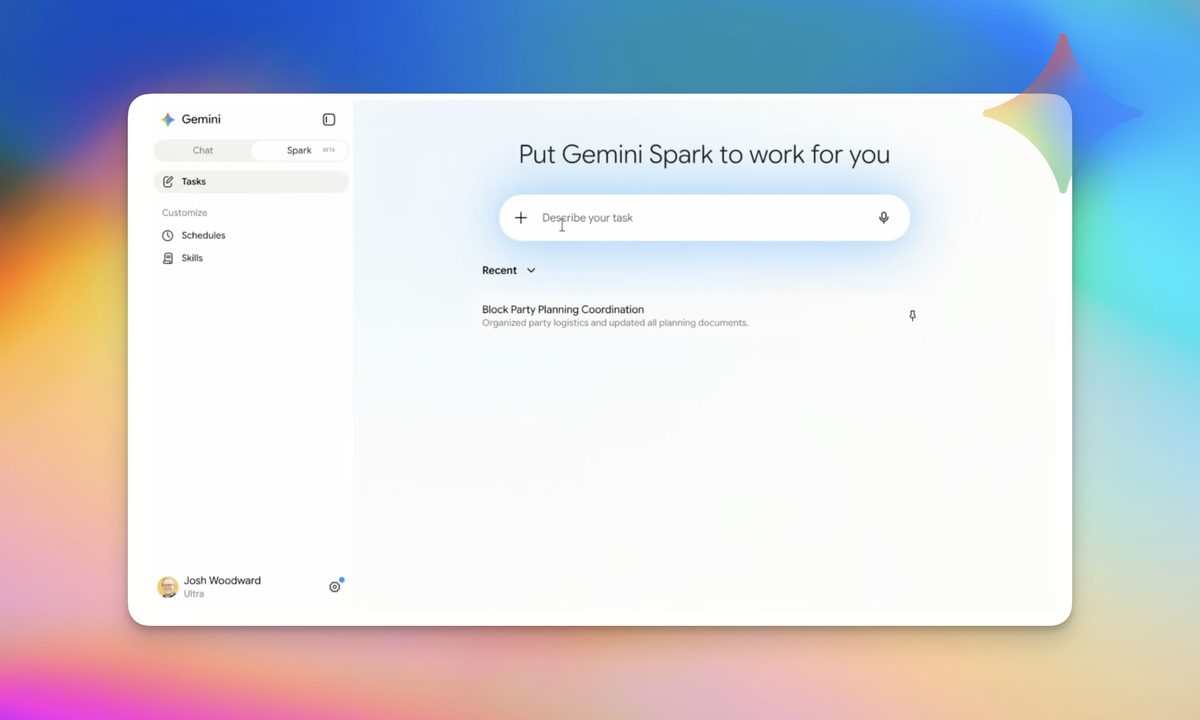
Google just announced Gemini Spark at Google I/O 2026, and it might be the most genuinely useful AI feature the company has ever shown off. Unlike most AI tools that wait on you, Gemini Spark takes a task and runs with it, handling multiple steps in the background without you having to babysit it. 

The biggest benefit of Gemini Spark is that it runs on dedicated virtual machines, so once you assign a task to it, you don’t have to keep your laptop or computer open. You can close it and move away from the desk while Gemini Spark executes the task in the background. 

What makes Gemini Spark different from every other AI tool?

Gemini Spark is powered by the latest Gemini 3.5 model and Google’s Antigravity harness. They allow Gemini Spark to run longer tasks in the background. 

Recommended Videos

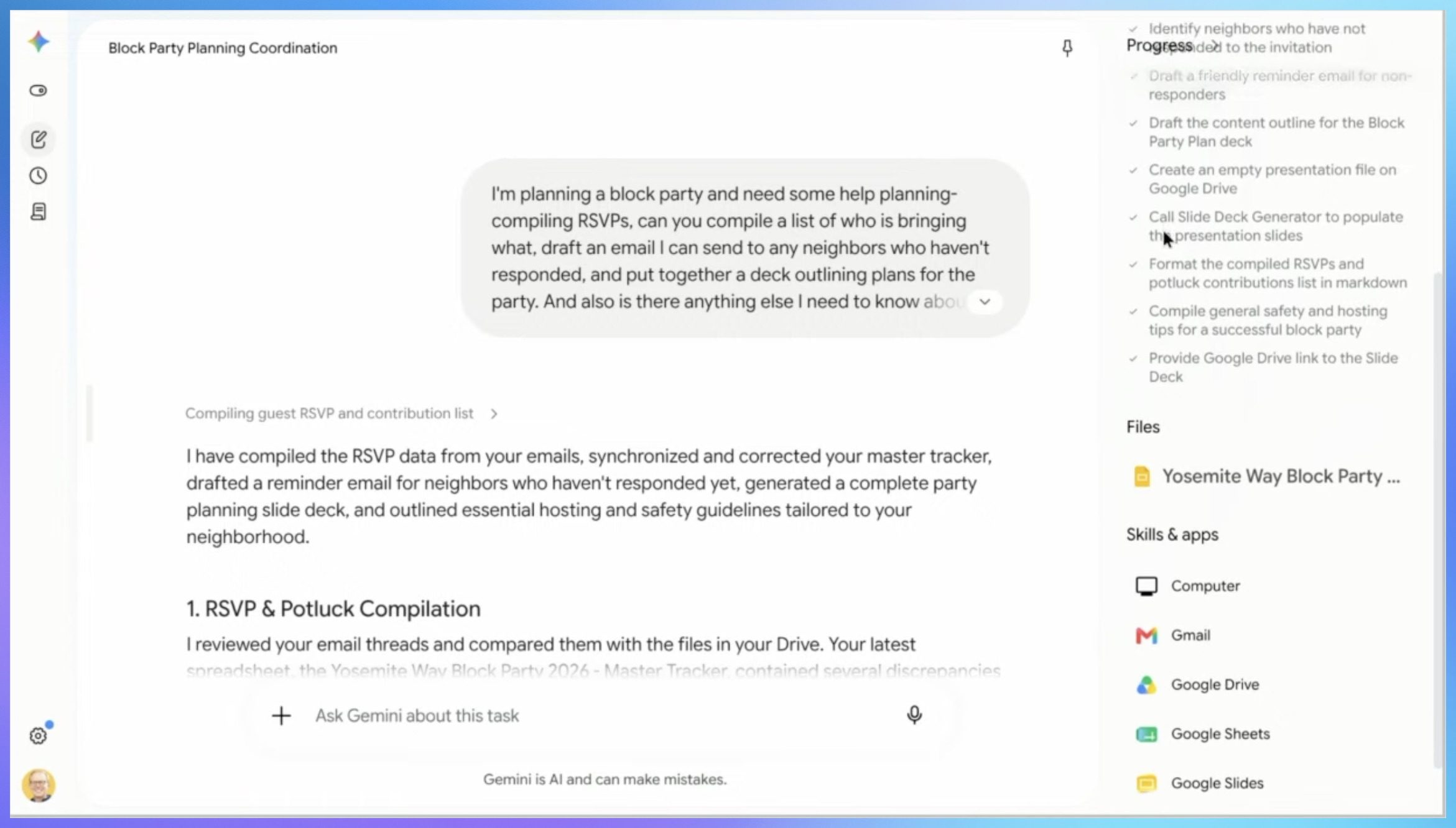
When you ask Gemini Spark to perform a task, it breaks it down into steps, works across your apps, and handles everything in the background without you having to stay involved. You hand it a job and walk away. 
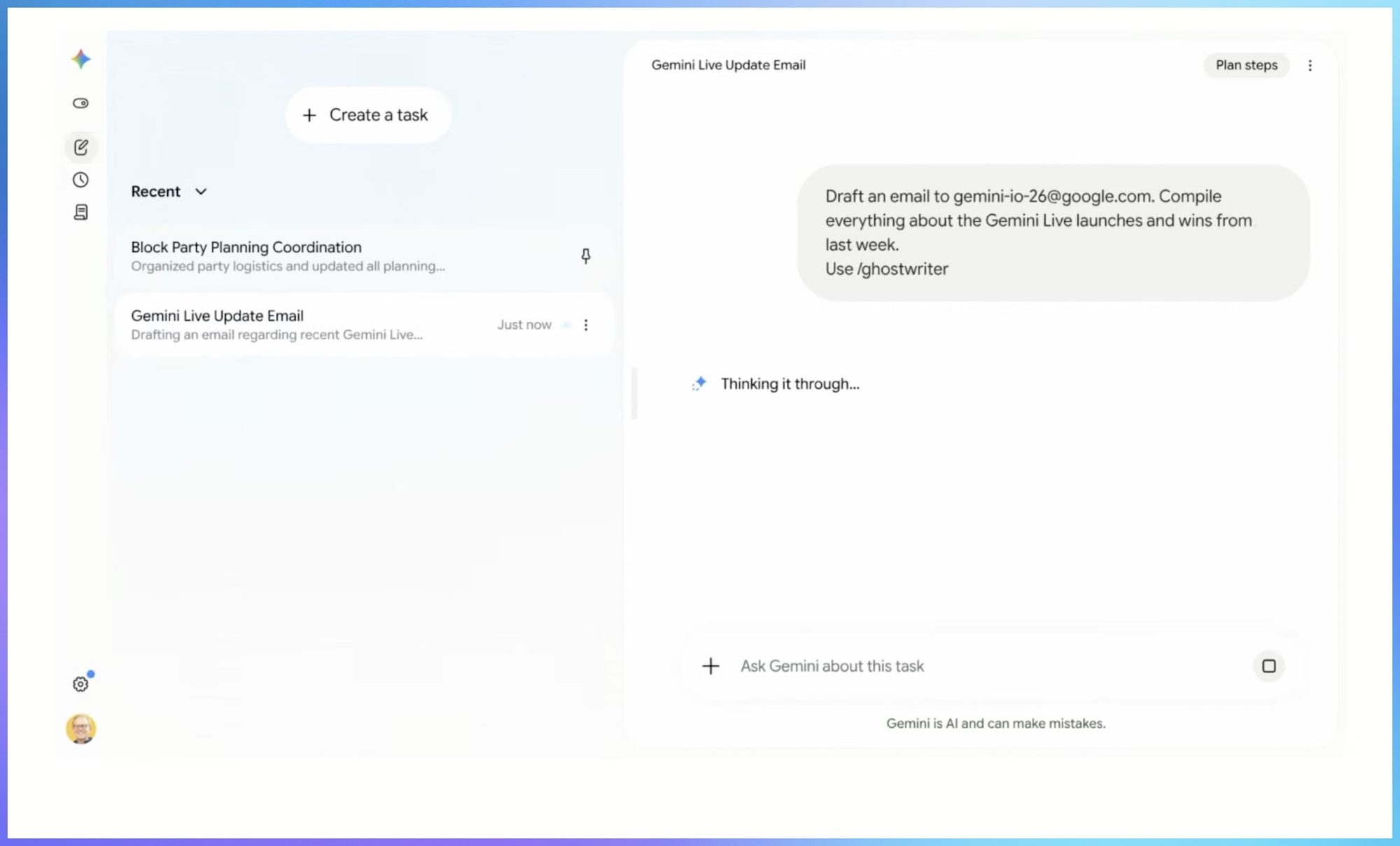
It can pull information from your emails, documents, and chats simultaneously, so it always has the full picture. It can draft content, use custom “skills” you upload, update files in real time as new information comes in, and manage follow-ups on your behalf. 

Currently, Gemini Spark works only with Google’s in-house apps (think Gmail, Drive, Docs, etc.), but in the future, Gemini Spark will also integrate with third-party tools, allowing users more freedom. 
When will it be available?

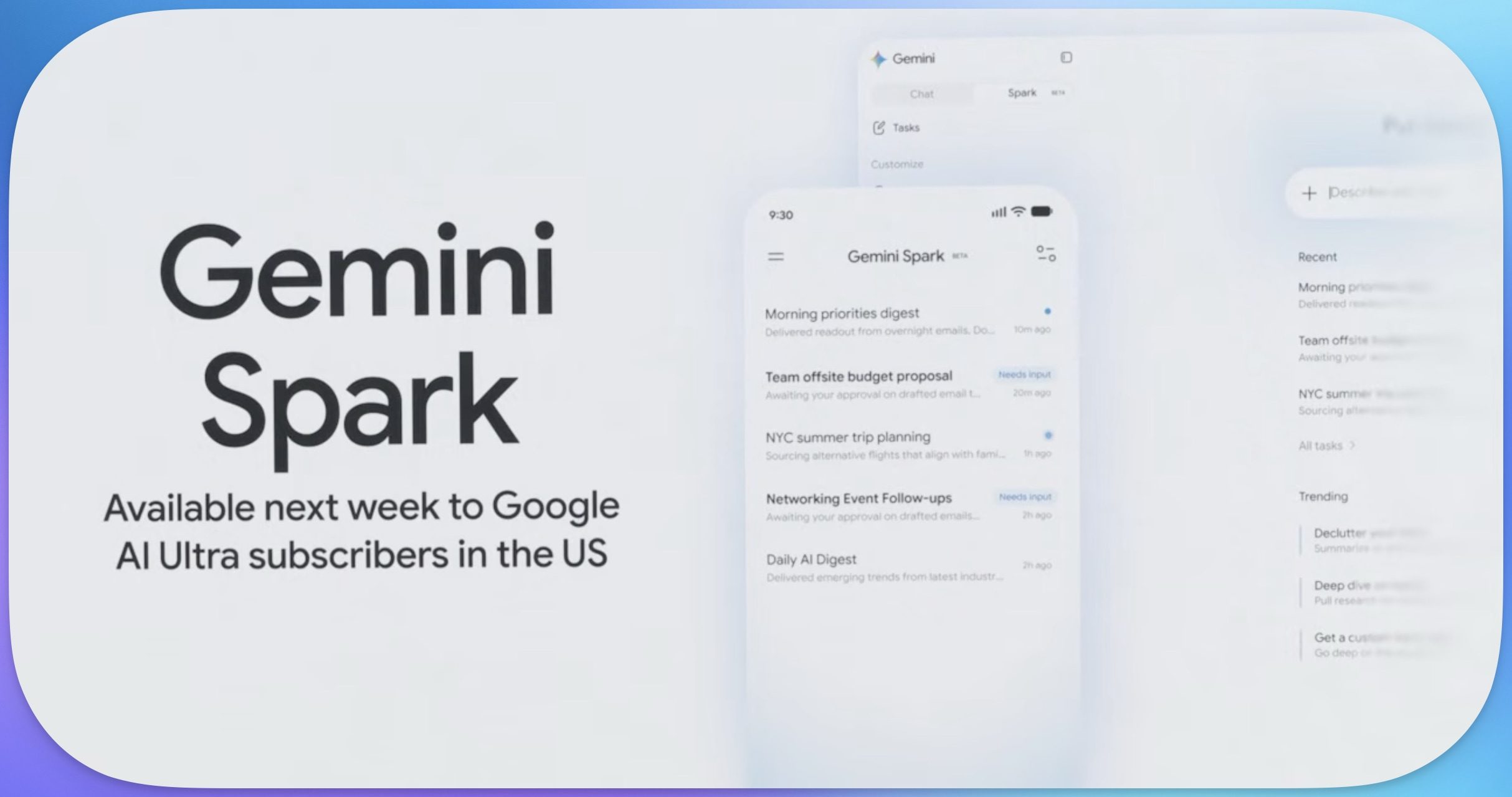
Google is rolling out Gemini Spark to trusted testers first, followed by a beta release for Google AI Ultra subscribers. Google has also introduced a new AI Ultra plan for $100/month to make it more accessible. It’s also dropping the price of its premium AI Ultra plan from $250/month to $200/month. 
Later this year, Spark will also work directly inside Google Chrome as a browser agent, and Google is building a dedicated home for agents on Android called Android Halo.

It is still early days, and Google has been careful to say as much. But if Gemini Spark delivers on even half of what the demo showed, it could finally be the AI assistant worth getting excited about.

Rachit Agarwal
Rachit is a seasoned tech journalist with over ten years of experience covering the consumer technology landscape.
What makes a laptop good for both work and entertainment?
Computer, Electronics, Laptop

This post is brought to you in paid partnership with HP.

The HP OmniBook X Flip is designed as an all‑day AI PC that adapts seamlessly from productivity to entertainment without switching devices.

Read more
Your Windows 11 PC can now natively run AI workloads, even if it lacks the Copilot+ badge
Windows 11 laptop on a table

For the better part of a year, Microsoft has been telling us that the future of AI on Windows belongs to Copilot+ PCs. If you wanted Microsoft’s most advanced local AI features, you needed a machine with a dedicated Neural Processing Unit (NPU). That was the deal. Now, Microsoft appears to be rewriting the rules.

According to updated documentation, Windows 11’s local Language Model APIs can now run on non-Copilot+ PCs, provided they have an Nvidia GeForce RTX 30-series GPU (or newer) with at least 6GB of VRAM. On the surface, this sounds like a developer-focused update. In reality, it could be one of the most significant shifts in Microsoft’s AI PC strategy since Copilot+ PCs launched last year. More importantly, it raises a question that has been lingering ever since the AI PC era began: Did we really need NPUs for all of this in the first place?

Read more
The Windows 11 June update makes your Start menu and Search feel much more snappier
Low Latency Profile is the first targeted fix Microsoft has shipped for shell responsiveness, and the June update brings it to every eligible PC rather than just Insider preview testers.
Windows 11 Laptop

If you’ve ever clicked on the Start button and watched the menu appear after a second or two, you already understand the problem Microsoft is trying to solve with its June 2026 Windows 11 update. 

The update (KB5094126) rolled out on June 9, 2026, for WIndows 11 24H2 and 25H2, and targets the shell responsiveness issues that have quietly frustrated users since its launch in 2021. The headline change is the broad rollout of the Low Latency Profile.

Read more