  1. Home
  2. Computing
  3. News

New Windows 11 toggle lets AI agents work in your background

Flip the Experimental agentic features switch and Copilot Actions gets its own account, its own desktop, and limited access to your stuff while you use your PC normally.

Add as a preferred source on Google
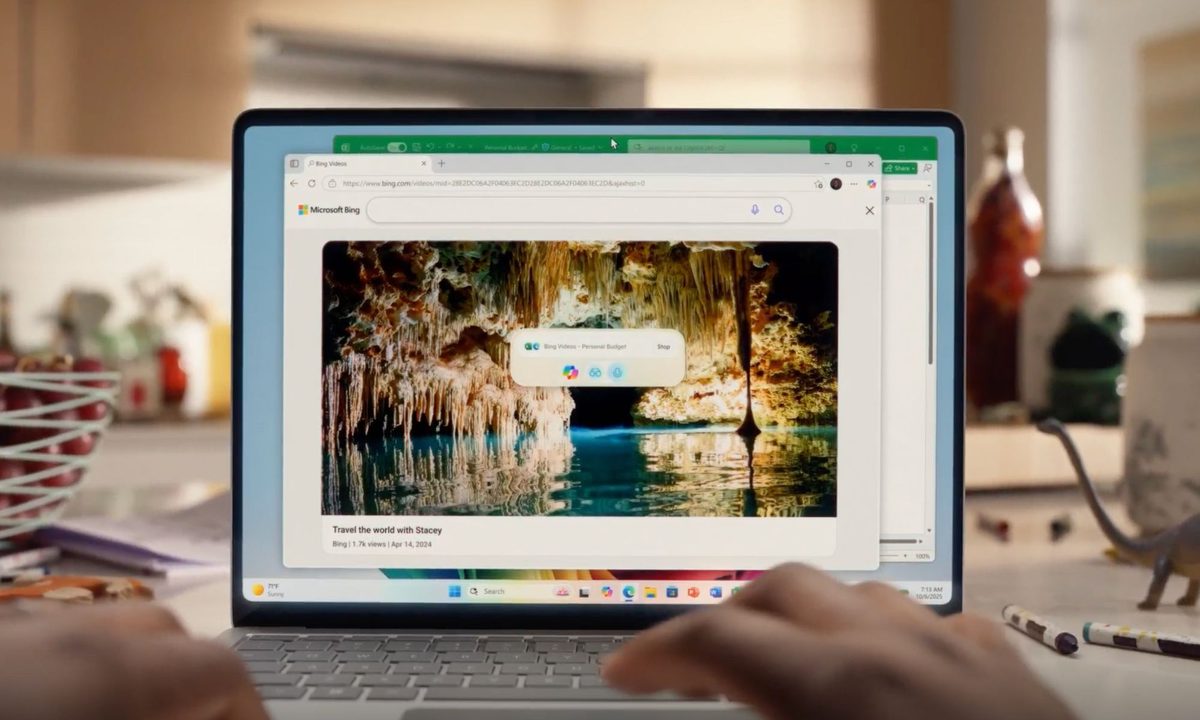
Microsoft Copilot in action in Windows 11 Sample 3.
Microsoft

What’s happened? Microsoft is testing a new way for AI helpers to live on your PC. In the latest Windows 11 Insider Preview build for the Dev and Beta channels, there is a setting called “Experimental agentic features” under a new AI Components menu in System.

  • When it is turned on, Windows creates special agent accounts and an “agent workspace” where AI agents can run in their own environment, the release says.
  • The toggle is off by default, can only be changed by an administrator, and applies to every user on that device once enabled.
  • Microsoft explains that agent apps such as Copilot can ask for access to folders like Documents, Desktop, and Downloads, and Microsoft warns of early quirks such as PCs not sleeping while Copilot Actions is active.

This is important because: This agent workspace is Microsoft’s template for how Windows 11 AI agents will actually run on your machine. Instead of pretending to be you, each helper gets its own identity and a fenced off session.

  • Microsoft describes the workspace as a contained space where agents can reach into your apps and files to finish tasks while you keep using the device.
  • Each agent uses scoped authorization and runtime isolation so access can be tuned per agent instead of giving one wide open account.
  • For now it runs as a separate Windows environment that talks to your apps in parallel, which Microsoft pitches as lighter than a full virtual machine but still isolated.
Recommended Videos

Why should I care? If you flip this on, you are letting software agents work directly with your stuff. Microsoft is trying to keep that safe with tight permissions, logging, and a clear way to shut it all back off.

  • The company tells users to only enable “Experimental agentic features” if they understand the security trade offs, and says turning it off cuts agents off from your profile folders.
  • Design rules include “least privilege,” time bound permissions, and tamper evident audit logs so agent activity can be checked after the fact.

Okay, so what’s next? Right now, this all mostly shows up through Copilot Actions. It is Microsoft’s first example of an AI helper running from that hidden workspace and doing multi step work while your main desktop stays yours.

  • Microsoft calls Copilot Actions “an active digital collaborator” that can interact with apps from the agent workspace instead of taking over your session.
  • Agent workspace is still a private developer preview for Windows Insiders, and Microsoft plans more workspace types, tighter rules, and broader availability once it has more feedback.
  • If you don’t mind the trade offs, check it out in the latest Insider preview.
Paulo Vargas
Paulo Vargas is an English major turned reporter turned technical writer, with a career that has always circled back to…
Pope says AI must be disarmed and shouldn’t dominate humanity. We’re going the opposite way.
The Pope just dropped his first encyclical, and AI companies should probably read it.
Pope Leo XIV signing his first encyclical

Pope Leo XIV signed his first encyclical on May 15, the 135th anniversary of Pope Leo XIII's Rerum novarum. The document, Magnifica humanitas, was published on May 25 and addresses one of the defining challenges of our time: artificial intelligence and its impact on humanity.

The core message isn't anti-technology. The Pope is clear that technology is neither a threat nor inherently evil. However, he does say that technology is never neutral, because it takes on the values of those who build, fund, and control it. That's where things get interesting.

Read more
I built an offline Grammarly alternative and turned it into a Mac app without any coding
It lives in a browser tab. It's a Chrome extension. It's also a Mac app. Claude built it for me in all three flavors.
Grammarly alternative built using Claude.

I wrote this entire article while seated on an airplane experiencing unusually high turbulence. The software I used to spell-check and grammatically sanitize the draft was built at an airport. The language engine is running entirely on my Mac, fully offline, fixing all my typos and removing the double spaces while I mash the keyboard and sip a sugar-bomb coffee. 

Also, I don't know how to code. I didn't write a single line of code, and yet, the Mac software I am using right now looks classier and feels snappier than Grammarly ever did. Grammarly, if you don't know, is one of the most popular apps for spelling and grammar checking on the planet. So, how did I do it? I asked Claude. I narrated my wish, it asked my preferences, and in less than 30 minutes, I built myself a no-internet Grammarly replacement while also avoiding the "yet-another-subscription" curse.

Read more
China will put a unique ID code on humanoid robots, just like citizen ID for us humans
China is treating its humanoid robots like citizens. assigning each one a unique ID code from birth to recycling.
Robot with four arms

China has launched a national programme that will assign every humanoid robot manufactured in the country a unique digital identity code, effectively a citizen ID, but for bipedal machines (those that can balance and walk/run on two legs). 

The initiative, called the Humanoid Full Lifecycle Management Service Platform, was announced on Friday. It is led by the Humanoid Robotics and Embodied Intelligence Standardization committee, which is under China's Ministry of Industry and Information Technology (via South China Morning Post).

Read more