  1. Home
  2. Gaming
  3. Computing
  4. How tos

How to make an anvil in Minecraft

Add as a preferred source on Google
How to make an anvil in Minecraft
Mojang

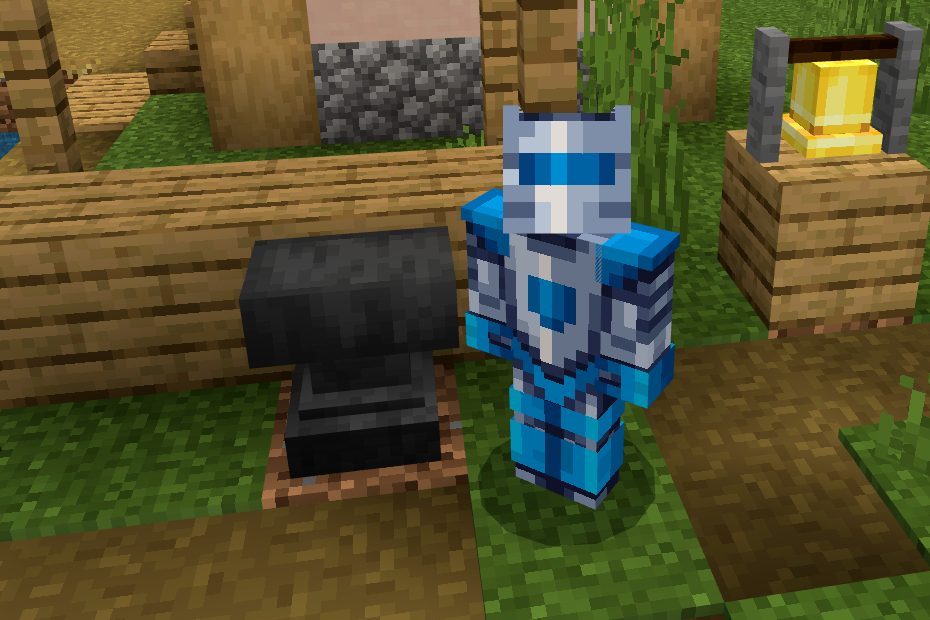
Tip number 1 in Minecraft is almost always going to be making a Crafting Table. These let you make all the essential items from beds to blast furnaces and flower pots. But there’s another type of crafting tool you can use to make and repair enchanted weapons and armor. We will show you how to make an anvil in Minecraft so you can craft the cool items that simply can’t be done in the Crafting and Enchanting Tables.

Recommended Videos

Difficulty

Moderate

Duration

20 minutes

What You Need

  • 3 Iron blocks

  • 4 Iron ingots

Minecraft Create Anvil
Mojang

How to craft an anvil

Anvils are massive slabs of metal so it makes sense that it will take a ton of iron to make one. The only two ingredients here are iron blocks and ingots, so get digging for that iron. Once you have the materials, here's how to craft the anvil:

Step 1: Open your Crafting Table.

Step 2: Place one block of iron each into all three squares in the top row.

Step 3: Place one iron ingot into the center square in the middle row.

Step 4: Place one iron ingot each into all three squares in the bottom row.

Step 5: Drag the resulting anvil down into your inventory.

Anvils can be used to repair all your weapons and equipment, add enchantments, and name your items. Be aware that doing anything with your anvil will cost some XP.

Kevin Parrish
Kevin started taking PCs apart in the 90s when Quake was on the way and his PC lacked the required components. Since then…
EU won’t force publishers to keep games playable, but the Stop Killing Games fight isn’t over
The Commission rejected the proposal, but the Digital Fairness Act could offer a path forward
Stop Killing Games Logo Banner

The European Commission has responded to the Stop Killing Games movement with a decision that is likely to disappoint many supporters. The regulator says it cannot require publishers to keep video games playable after they are withdrawn from sale, but plans to work with industry groups and consumer organizations on a voluntary code of conduct for handling a game's end of life.

The decision follows months of pressure from consumer groups and game preservation advocates, who argue that publishers should not be able to render purchased games unusable once support ends.

Read more
Roblox now offers age-based accounts for your kids with additional parental controls
Roblox Kids and Roblox Select accounts are now live worldwide.
Roblox-Kids-accounts-Parental-controls

Roblox just launched Roblox Kids and Roblox Select accounts globally, following a limited pilot last month in Australia, Indonesia, the Netherlands, and New Zealand.

These are dedicated account types for users under 16, and the idea is that child safety protections grow with the child rather than staying static.

Read more
Android 17 is about to make gaming on foldables way better
Person, Computer Hardware, Electronics

Google is giving mobile gamers a few new reasons to pay attention to Android 17. The next version of Android introduces features aimed squarely at gaming, with foldable phones among the biggest beneficiaries.

Among the highlights is a new foldable gaming mode that finally puts those larger displays to better use. Instead of stretching games across the entire screen and covering parts of the action with touch controls, Android 17 introduces a smarter layout designed specifically for gaming.

Read more