  1. Home
  2. Mobile
  3. Phones
  4. News

Google’s Gemini Live AI is finally getting serious about mobile apps

The future of voice-first actions in apps is here.

Add as a preferred source on Google
Scanning a book using Gemini Live with camera and screen sharing.
Nadeem Sarwar / Digital Trends.

When Google introduced the Gemini Live avatar of its AI, it was nothing short of a revelation. The ability to have freewheeling conversations with an AI, which can also see the world around you through the phone’s camera and make sense of it, is something that still astounds me. Now, it’s getting ready to work seamlessly with the Android apps installed on your phone. 

What is changing? 

At its Pixel 10 launch event, Google announced that Gemini Live can now work with Calendar, Keep, and Tasks. So, let’s say you are talking with the AI, and want to quickly save a note, you can do so by simply speaking the task. And while at it, you no longer have to open the Keep app. 

Recommended Videos

While conversing with Gemini Live, you can directly tell it stuff like “save a note about picking up cabbage from the store,” or “add an entry for a meeting with John at 4pm this Saturday in Calendar.”
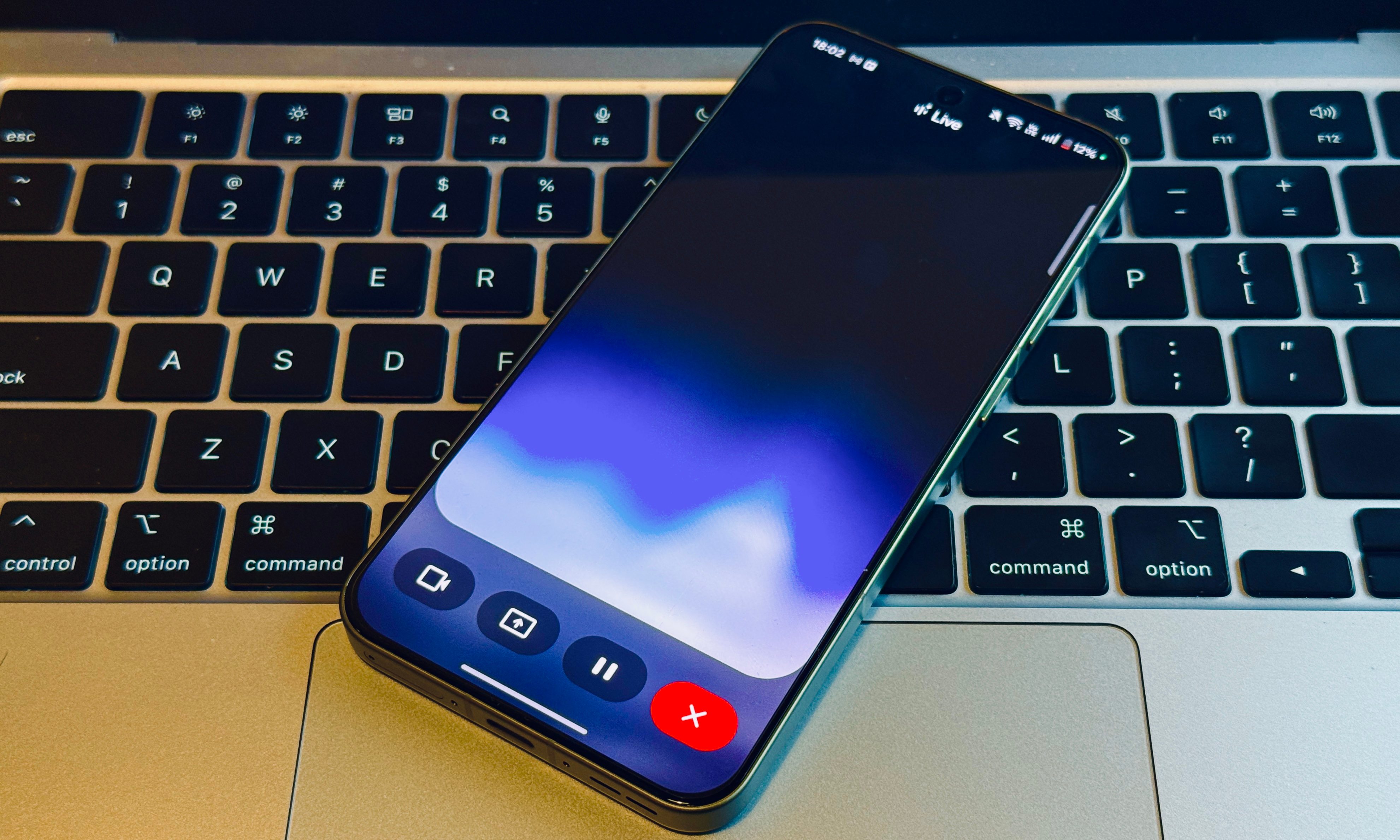
The idea is to connect Gemini Live seamlessly with apps, just the way Gemini has already been integrated deeply within Google tools such as Docs, Gmail, Search, and more. With Gemini Live, you don’t have to click or type, or even switch to another app.. All you need to do is utter the command and it will be seamlessly executed in the background. 

The best is yet to come 

Gemini already works with Google’s own apps as well as third-party software such as WhatsApp using a system of connectors. Google is now focused on bringing that convenience to its mobile apps via Gemini Live for added voice-first convenience. 

Aside from Calendar, Keep, and Tasks, Google is also bringing it to the core communication apps, as well. “We’re adding the Messages, Phone, and Clock apps and bringing additional capabilities into our Google Maps integration, so Gemini Live will be able to help you in even more ways,” the company said in a blog post. 

Google says it’s updating the underlying models to make sure that Gemini Live conversations sound even more natural. Users will also be able to instruct Gemini Live so that it can speak slowly and match their note-taking speed. 

Nadeem Sarwar
Nadeem is the Managing Editor at Digital Trends.
Snapchat Planets: What’s the order, and what do they mean?
Snapchat Planets turns your best friends list into a solar system, and yes, your orbit says a lot
Snapchat Planets being shown on the Snapchat app on iPhone.

Snapchat is already packed with little symbols that can be weirdly hard to decode. You have streaks, emojis, badges, scores, Best Friends, and if you use Snapchat Plus, a tiny solar system that shows where you sit in someone’s closest-friends list.

The feature is called Friend Solar System, though most people just call it Snapchat Planets. It takes your position in a friend’s Snapchat orbit and turns it into a planet. From Mercury to Neptune, these celestial bodies signify how close a person is to you.

Read more
How to use WhatsApp Web
We'll show you how to use WhatsApp on your desktop or laptop
WhatsApp Web

As one of the most popular messaging services, you’ve already heard of WhatsApp. From its humble beginnings in 2009—two years before Apple introduced iMessage—to its acquisition by Facebook (now Meta) in 2014, WhatsApp has become the dominant messaging platform around the globe.

In recent years, it's grown even more potent with new features like video messages, self-destructing voice messages, the ability to edit sent messages, and more. We even finally got an WhatsApp iPad app in May 2025.

Read more
What is WhatsApp? How to use the app, tips, tricks, and more
From setting it up to mastering hidden features, here is your complete guide to WhatsApp.
WhatsApp app store listing open on iPhone

There's no shortage of messaging apps out there. The past decade has given us more options than we know what to do with, largely because smartphones demanded something better than plain old SMS.

Both the App Store and the Play Store are packed with apps that promise to revolutionize the way we communicate. Most of them didn't make it. The truth is, a messaging app is only as good as the number of people using it, and most apps never cross that threshold.

Read more

