Just a day after Apple held its Far Out event and CEO Tim Cook shut the doors on RCS messaging for iPhones, Google has announced a grab bag of features for phones, smartwatches, and other connected Android ecosystem devices.
There’s not one particular feature that’s a standout, but these all look like welcome upgrades to bolster Google’s product ecosystem for the next little while.
Nearby Share takes a hint from Apple
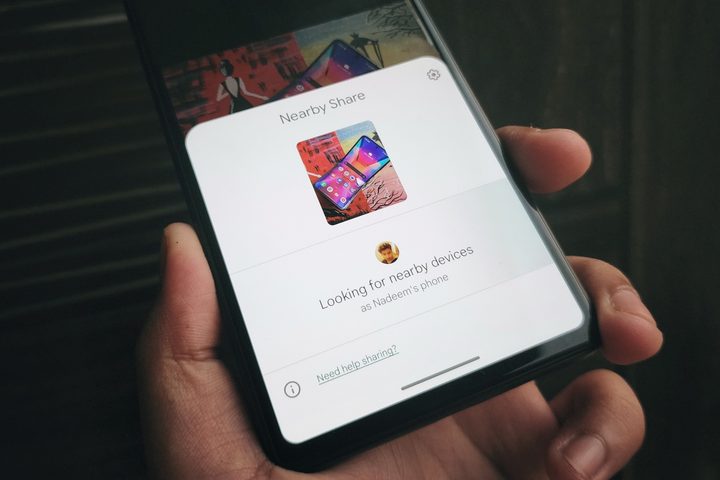
Let’s start with Nearby Share, Google’s own take on the wireless file transfer system that the world knows as AirDrop.
Nearby Share allows users to move data between two phones or Chromebooks much faster than Bluetooth would allow. However, users have to go through the pairing and verification process for each transfer session. That is about to change in the coming weeks, thanks to “Nearby Share self share.”
As the name makes it abundantly clear, moving data between your own devices will be less of a hassle. All you need is the same Google account running on the two devices. Once the first connection has been verified, all subsequent file transfers in the future will happen without any intermediary pairing process. Google says file transfer will happen even if the recipient device’s screen is turned off, as long as the same Google account is logged in on both devices. It’s just like how AirDrop works with the same iCloud account, and it’s fantastic to see Google take this page out of Apple’s playbook.
More control (and fun) in Meet calls
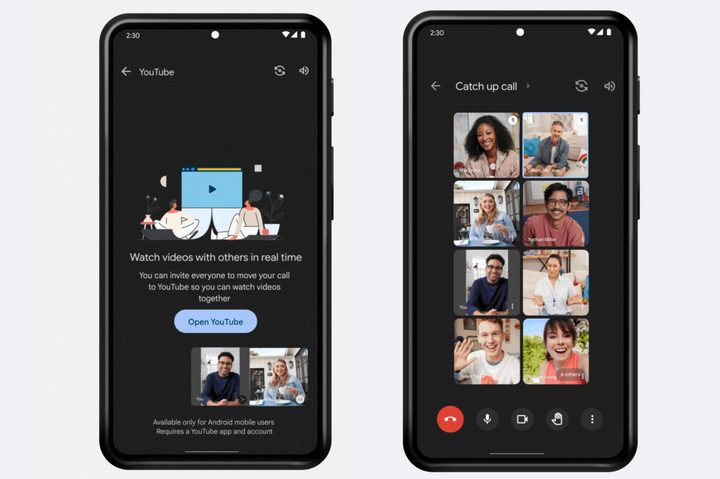
On the productivity side of things, Google Meet is getting a crucial upgrade. Users will now be able to arrange the layout of tiles representing meeting attendees. The idea here is that you can now pin multiple tiles on the screen in the order of choice, letting you focus on the more important person(s) in a video call.
The aforementioned functionality is now rolling out for Android phones and tablets, alongside a new watch party-like sharing feature. Thanks to the new Live Sharing feature in Meet, users can now watch YouTube videos or play casual games like Uno with up to 100 members in a call.
Powerful widgets for Drive and Keep
Continuing its tablet renaissance, Google is also making changes to the Google Drive widget on Android tablets. The updated tablet widget for the Google Drive app now prominently features three dedicated home buttons that will let you access Docs, Sheets, and Slides with a single tap. Google is also increasing the size of the Keep app’s widget and is also making it easier for users to access elements like reminders and to-do lists.
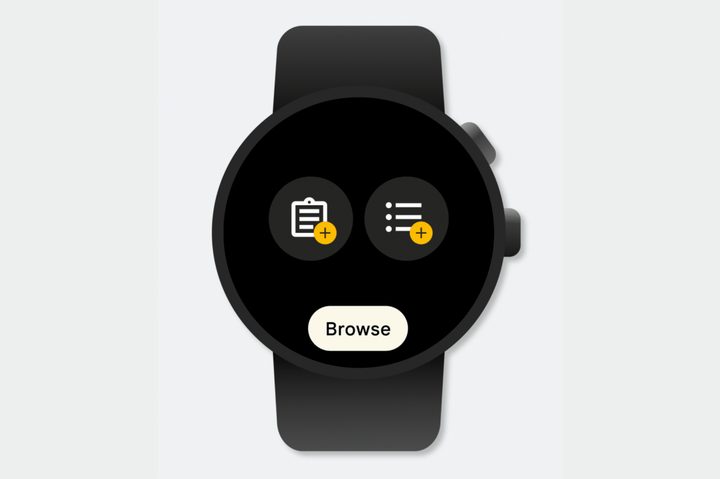
Talking about Keep, the note-taking app is getting a new tile for Wear OS smartwatches, allowing users to access it with a swipe and jot down notes in a jiffy. I heavily rely on Keep’s checklist feature for day-to-day chores, and the ability to access it with a swipe from my smartwatch’s home screen sounds quite convenient.
New emoji and Bitmoji tricks
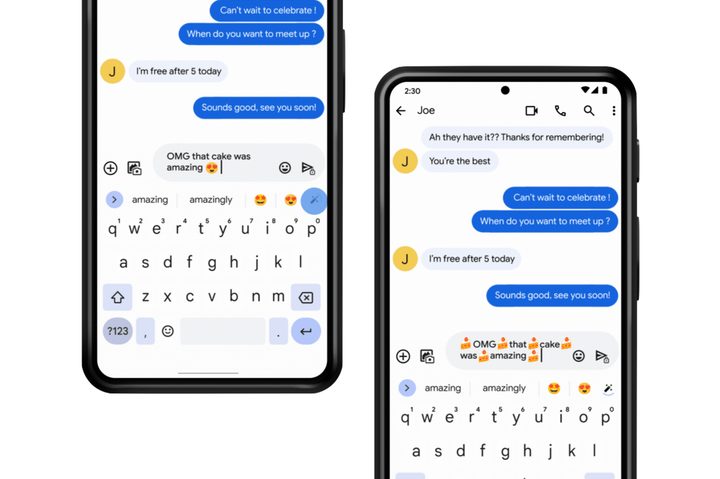
Now that emojis have become an integral part of chats across different platforms, Google is showing some love to the expressive icons, too. To that end, the Gboard app is getting a new “emojify” feature that puts in the appropriate emoji in-between words based on the context.
All you need to do is type your message and tap on the relevant emoji recommendations that appear in the top row. More emoji kitchen combinations have also been added to the keyboard app’s sticker section, right on time for the fall season, with some Halloween and pumpkin-spiced themes in tow.
In the same vein, Google says you will soon be able to set a custom Bitmoji as your watch face for Wear OS devices. Depending on the weather, time of day, or the activity you’re currently engaged in, the Bitmoji watch face on your smartwatch will also change its expressions.
Accessibility gets a boost
On the accessibility front, there’s a new Sound Notifications system that has been added to the Transcribe & Notifications section of an Android phone. It has been designed to help folks living with hearing impairment.
This feature allows the phone to detect sounds like running water, door knocks, and fire alarms. Once an audible alert is picked up by the phone, a notification pops up on the phone and the connected smartwatch. A vibration alert and a flashing light cue are also part of the system.
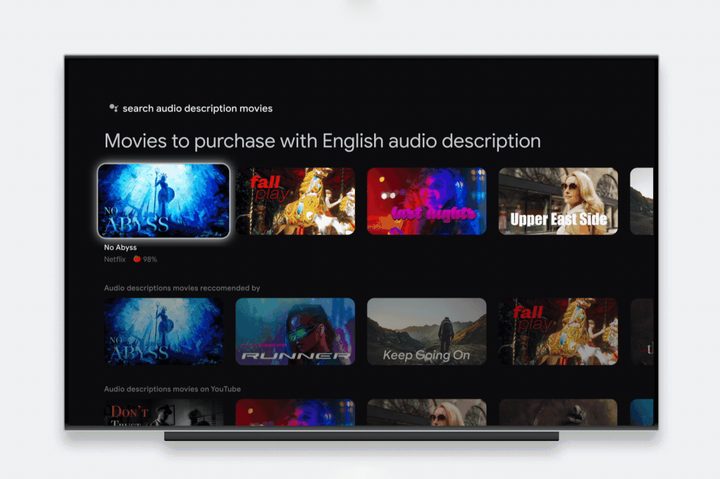
Going a step further, the company is also adding “a curated library of movies with audio descriptions” on Google TV. These audio descriptions actually capture the on-screen visuals in the form of commentary that is read out loud so that people with vision issues don’t miss out on the subtle visual drama and scenery. A simple Google Assistant voice command like “Search audio description movies” will also pull up the entire library of such accessibility-friendly films.