
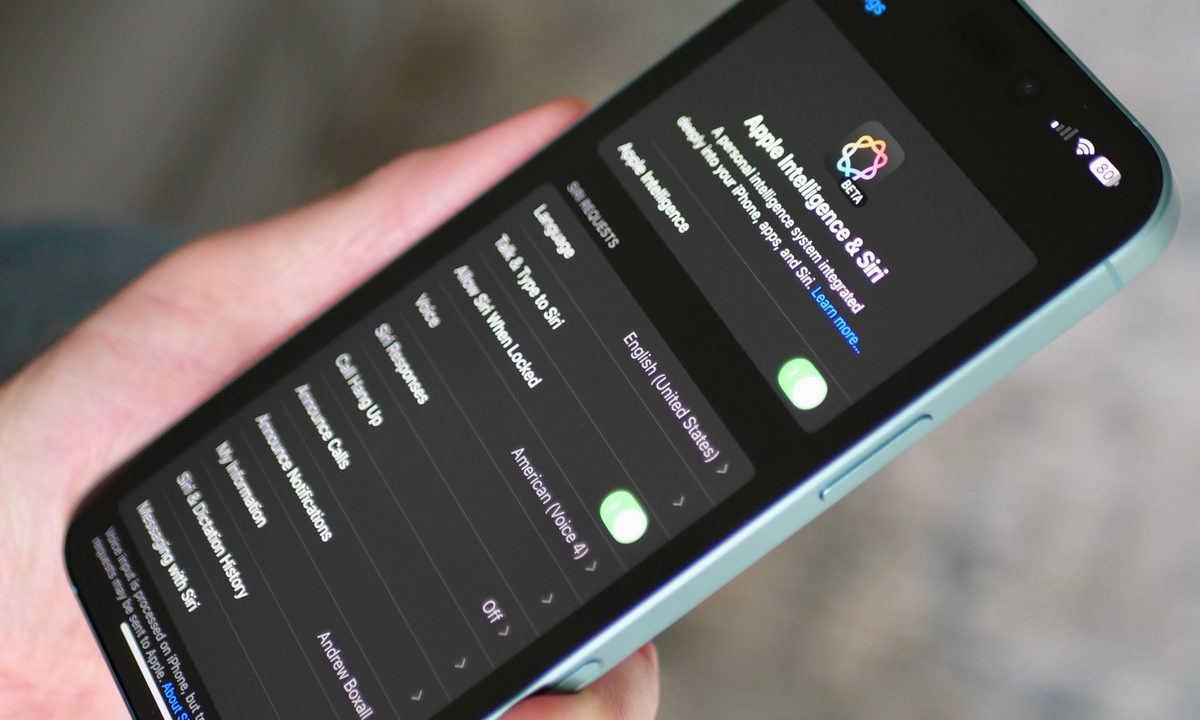
Apple has started the public rollout of iOS 18.2 and the corresponding iPadOS update, and they bring a handful of long-awaited features in its AI kit. The release notes are pretty exhaustive, and they reveal a few features that are minor improvements to the already available Apple Intelligence bundle.
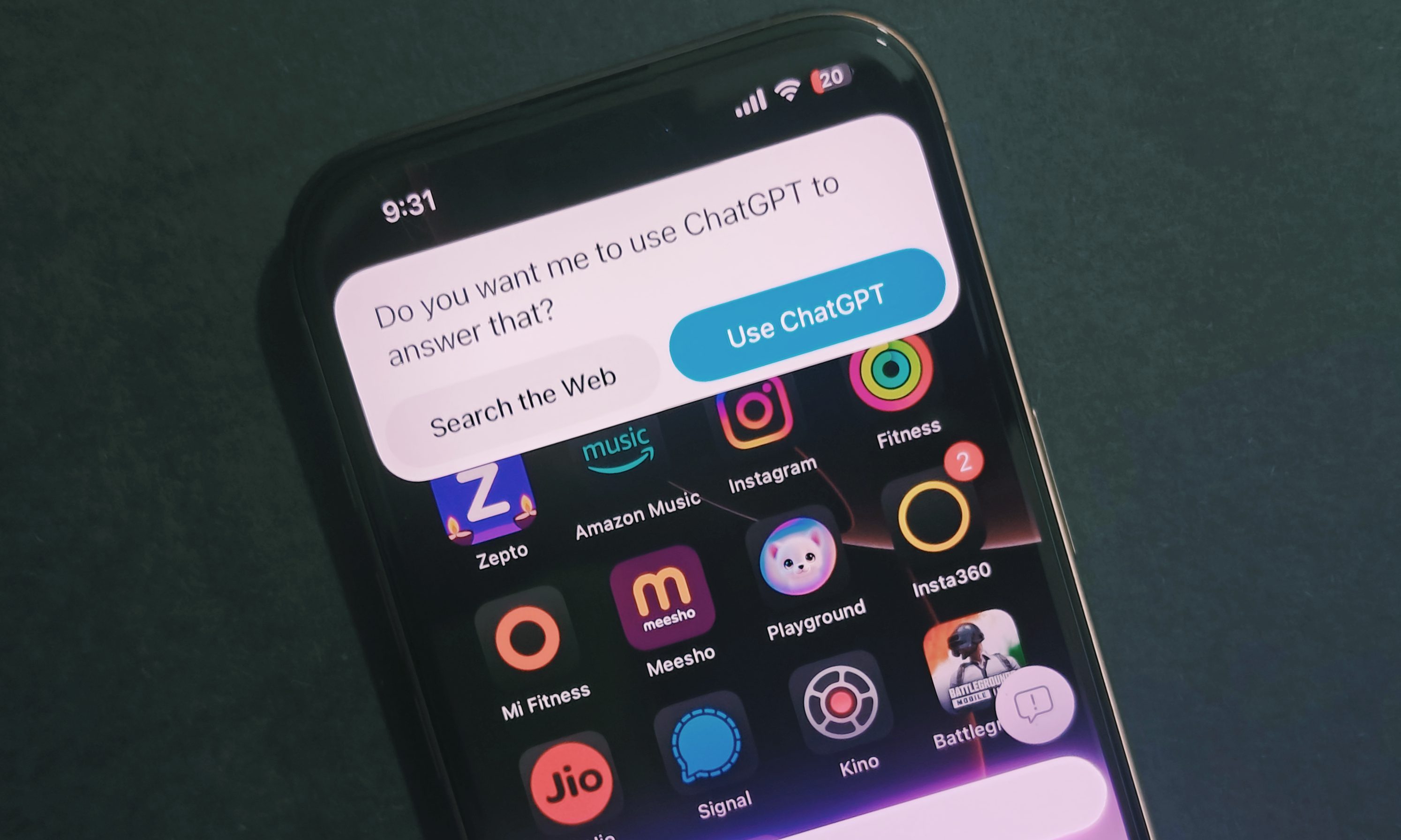
The most notable addition is ChatGPT integration with Siri, which shifts things over to the OpenAI chatbot if Apple’s assistant can’t provide an answer. ChatGPT integration is also expanding within the Writing Tools set, thanks to the compose feature that lets users create fresh content and generate images.
Writing Tools are a systemwide implementation, and Apple says they can be accessed “in almost any app” that users are engaging with.

Siri’s interface redesign — which now includes a fresh keyboard option — also comes with a cool trick. It is now built atop a data bank of Apple’s product guides, which means it can now give troubleshooting tips in a step-by-step format, saving you the chore of launching a browser and looking up information.
ChatGPT will also be capable of processing files and visual media. For example, you can ask it to read a PDF document and summarize it.
The other marquee arrival is Visual Intelligence, which lets users point their camera and get a variety of chores done. It even dips into ChatGPT or Google Search results. It can be accessed using the Camera Control button and performs tasks such as summarizing text, scanning codes, pulling up business details, translating, copying text, and more.

In the Mail app, users can now see their emails categorized neatly, check out email chain summaries, and reply with ease using the Smart Reply feature to compose a well-crafted response.
Notification Summaries are another convenience with a similar premise. It condenses notifications from an app under a banner, summarizes the ongoing chatter or actions, and presents them in a concise format.
On the fun side, the update adds the new Image Playground app, which lets users create images using a system of text prompts, fun presets, and artistic combinations. The ability to create custom emojis, or Genmojis, is also here. Users can make them with text descriptions, pick up a face from their library, or use the character picker system.
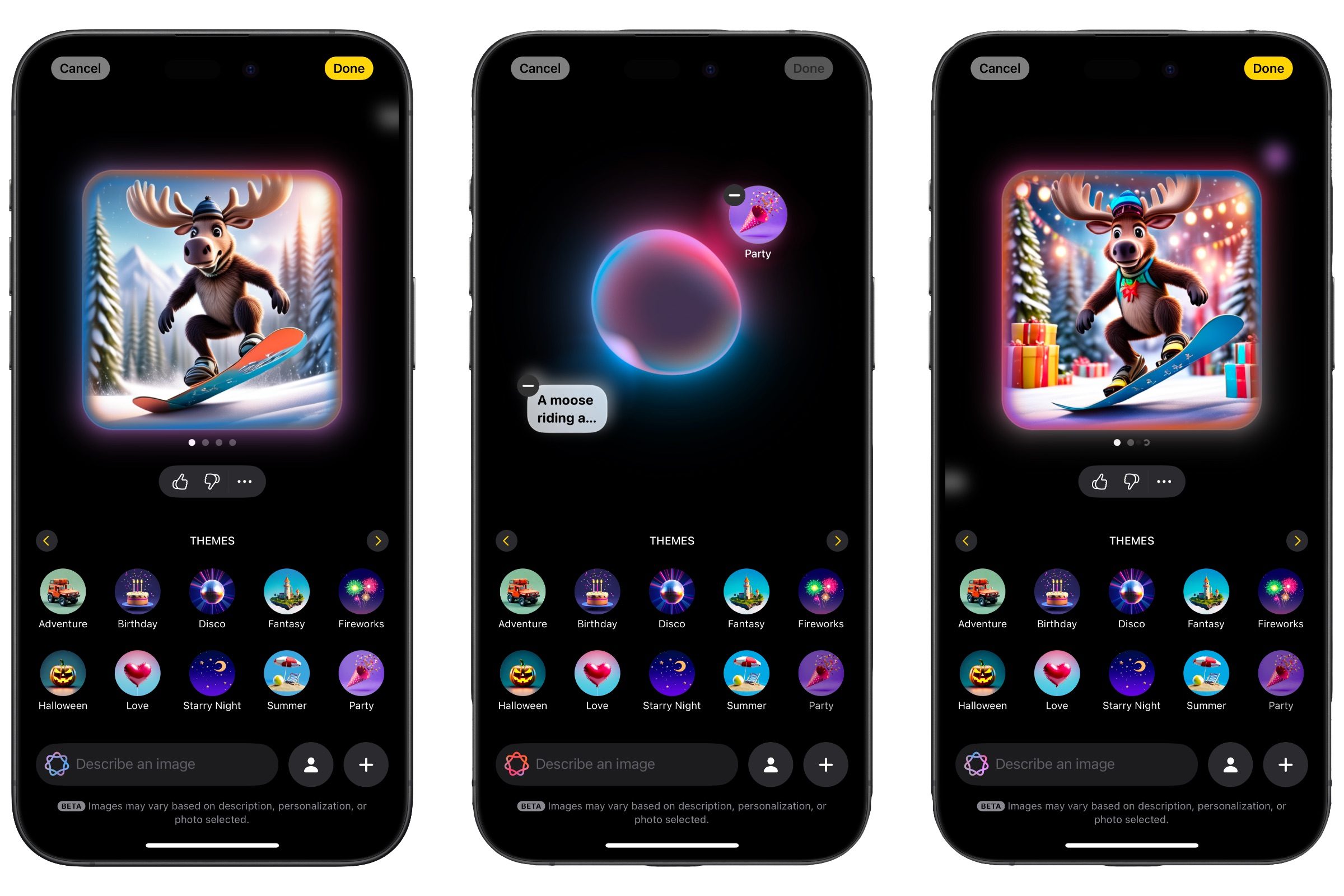
For folks who rely on the Apple Pencil and iPad, the Image Wand system will come in handy. It essentially converts rough drawings and scribbles into polished images worthy of a note or presentation. Users can select an existing sketch, image, or handwritten or typed notes to create new images.
Not all the promised Siri features are here yet. For example, the ability to read onscreen content and answer queries based on it, in-app actions, and integration with other chatbots like Gemini are all yet to arrive.
It is also worth pointing out that you need to enable Apple Intelligence from within the Settings app to download the generative AI models locally. As far as compatibility goes, it is available for the iPhone 15 Pro pair, iPhone 16 series, iPad mini (2024), and all iPads with an M1 or newer silicon.
Notably, iOS 18.2 also expands the English language support to other regional formats, including Australia, Canada, Ireland, New Zealand, South Africa, and the U.K.
Apple adds that support for Chinese, English (India), English (Singapore), French, German, Italian, Japanese, Korean, Portuguese, Spanish, and Vietnamese languages will start arriving in April of next year.


