

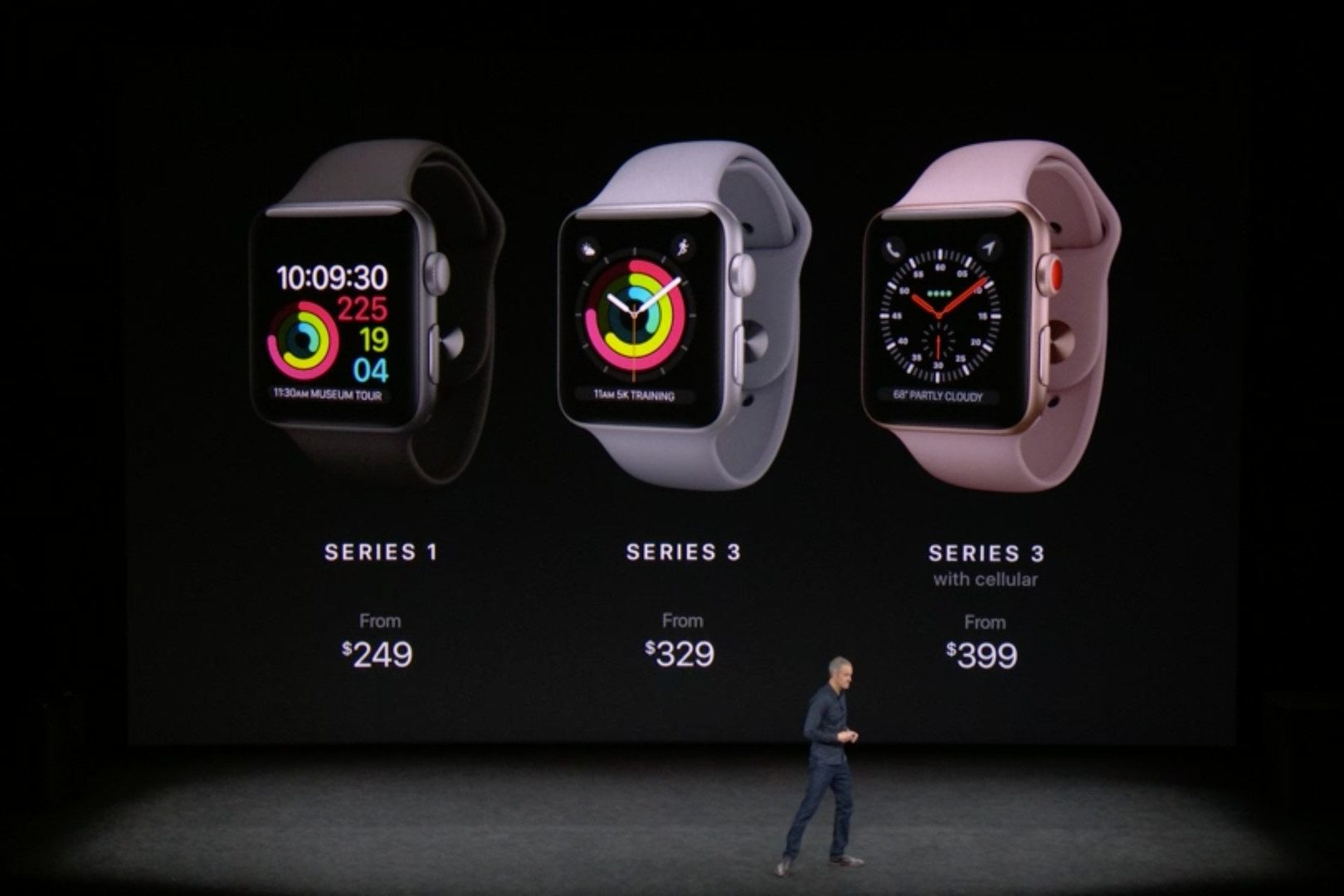
 First announced at the Worldwide Developers Conference (WWDC) in June of 2017, the WatchOS 4.0 operating system was made available for the Apple Watch as of September. Apple offers it not just for the most recent Watch — the Apple Watch Series 3 — but also for previous Apple Watch models.
Apple is almost ready to announce an updated version: Apple WatchOS 5 is nearly here — and for that matter, so is a new Apple Watch — and expected to be released at the company’s traditional September iPhone event. But for now, version 4 is current. To install it on your Watch, you will need at least 50 percent battery life — but if you do, head to “General” and then “Software Update.”
So what exactly are the features to expect? Here is everything you can do in the current Apple Watch operating system, WatchOS 4.0.
Siri watch face
WatchOS 4.o brings a number of great new watch faces, but the most interesting one has to be the new Siri face. As the name suggests, this face intelligently selects information that you might need at any given moment — and that information will change throughout the day. The face will pull from apps like the Calendar app, as well as the Home app, to offer controls for smart home devices that you often use at a certain time of the day. That’s a pretty big deal for Siri, which is poised to become a much more important aspect of Apple Watch users’ digital lives.
The Siri face isn’t the only new watch face — Apple also continued its partnership with Disney, and will offer watch faces for Toy Story‘s Woody, Jessie, and Buzz, as well as an update to the Kaleidoscope watch faces, which offer a slightly less intelligent but slightly more visual take on the watch face of the Apple Watch.
User interface
The user interface has generally been cleaned up in WatchOS 4.0, making the device a little easier to use. For starters, you’ll now be able to choose from the standard grid view of apps, or a new list view, which sorts apps in alphabetical order and allows you to simply scroll through them using the digital crown.
On top of that, the Control Center now has a new flashlight icon. Hit the button, and your watch’s display will turn a bright white, allowing you to use it to see in the dark.
Better fitness tracking
Of course, one of the most important features of the Apple Watch is its fitness tracking capability, and Apple has improved the watch’s Fitness and Workout apps. The Workout app now supports custom workout algorithms for high-intensity training, which will be helpful for those who prefer to work out at the gym rather than going on runs or swimming.
One of the biggest fitness features of the original Apple Watch was heart rate monitoring, and it’s even more useful in WatchOS 4. The Heart Rate app on WatchOS 4.0 will now calculate your resting heart rate on a daily basis, as well as your recovery rate after a workout.
You can also now much more quickly and easily start a new workout while you’re already in a workout — simply swipe left and hit the “+” button, then scroll through the workouts available. Apple is also now working with gym equipment manufacturers to deploy NFC chips — meaning you’ll get the information from gym equipment on your watch, which should make for more accurate tracking.


Other app updates
Another major update in WatchOS 4.0 upgrades the Music app, which will now automatically update selected playlists and favorites that you can play using your AirPods. That means you’ll always have your favorite music at your disposal, which is good news for Apple Music subscribers.
The Messages app has also gotten an update. In iOS 11, peer-to-peer payments are now made possible, and that’s true through the Messages Apple Watch app, too.
Next up is the Mail app, which now allows you to view your messages by inbox rather than only allowing you to see all your email inboxes at once. There’s also now an option to compose a new email — meaning that instead of only being able to reply to emails, you’ll also be able to start your own.
Other apps have also gotten small updates. For example, the Camera app now supports starting video recording, and the heart rate app now features a little graph showing your heart rate statistics over the course of the day.


