  1. Home
  2. Phones
  3. News

Old kindle owners are revolting against Amazon’s support shutdown with jailbreaking

Aging Kindles are still working, and some users refuse to let them die

Add as a preferred source on Google
Kindle-Paperwhite
Jessica Lee Star / Digital Trends

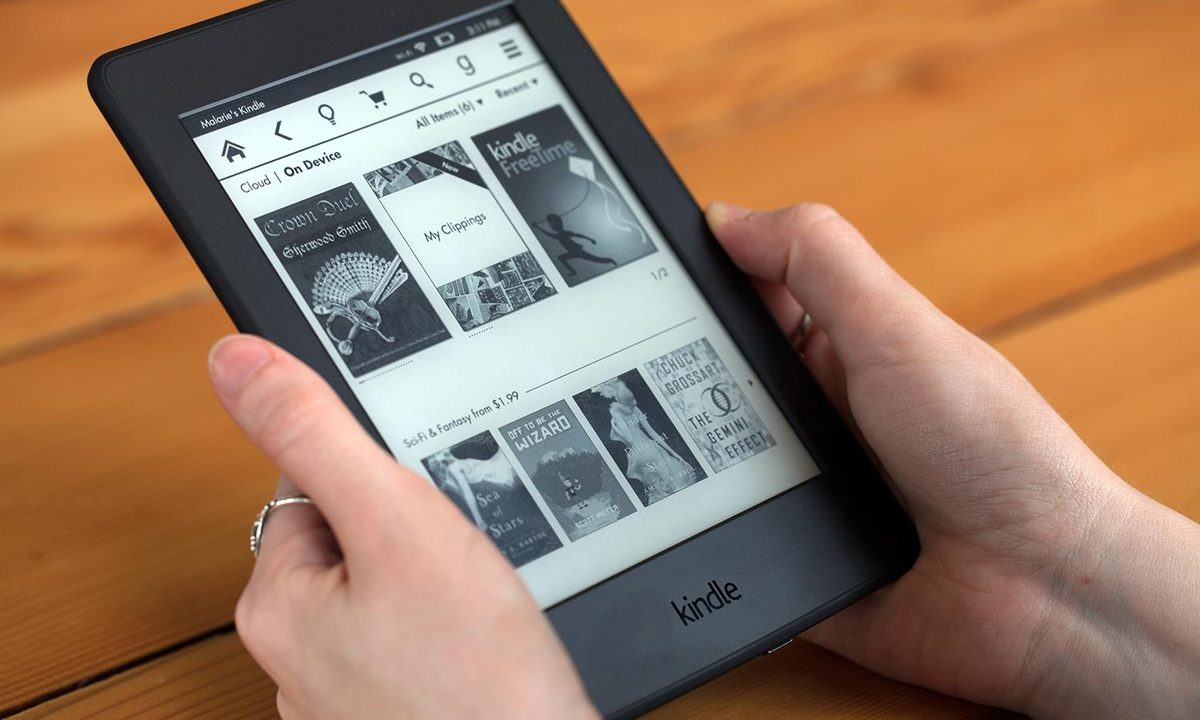
Amazon’s decision to cut support for older Kindles has pushed some longtime owners toward jailbreaking, a route many never expected to consider.

From May 20, 2026, Kindle devices released in 2012 or earlier will no longer be able to buy, borrow, or download new books directly from Amazon. Books already downloaded will still work, but the store experience is basically being switched off for these devices. Reports now suggest that some users are looking at jailbreaks as a way to keep older Kindles useful instead of replacing hardware that still works.

Why are Kindle owners turning to jailbreaks?

The frustration is not just about losing store access. On Reddit, many users are treating this as another “buying isn’t owning” moment. Several owners say their old Kindles still work perfectly for reading, which makes the shutdown feel unnecessary. Many users see this as a right-to-repair and ownership issue. If an old Kindle still turns on, has a working screen, battery, and buttons, they argue it should not be pushed toward retirement because Amazon has ended software support.

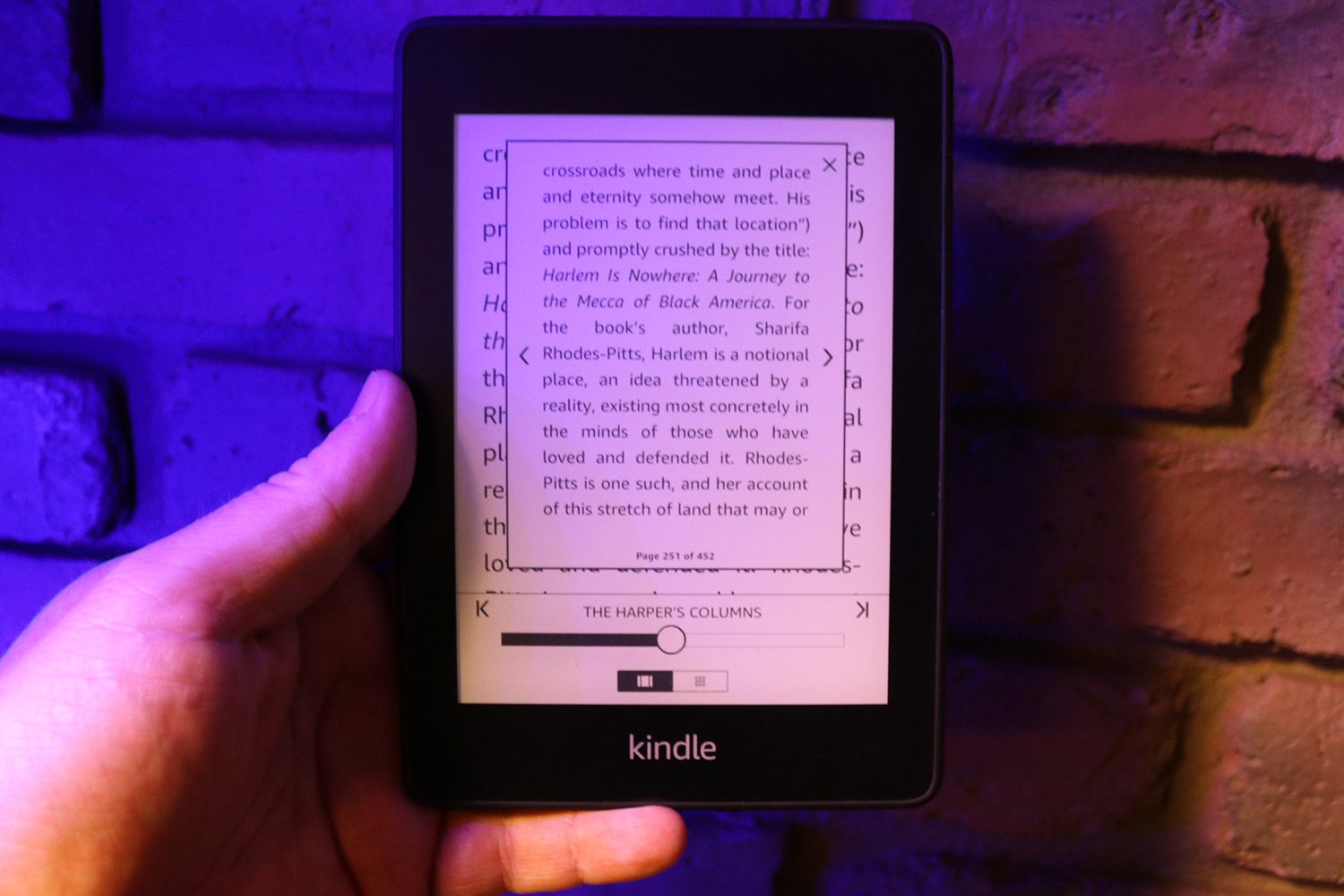
A Kindle jailbreak means removing some of Amazon’s software restrictions so users can install community-made tools and manage the device more freely. In this case, owners are mainly interested in keeping older Kindles useful for reading, sideloading books, and avoiding forced updates that could close those workarounds.

What are the risks of jailbreaking a Kindle?

Jailbreaking is not a clean fix for everyone. The process can fail if users install the wrong files, follow bad instructions, or use a method that does not match their Kindle model or firmware version. In the worst case, the device can become unstable or stop working properly.
In many places, modifying a device for personal use may not automatically be treated as illegal. But using it to break DRM, remove copy protection, or sell modified Kindles can create legal trouble.

Recommended Videos

Even if Amazon’s decision makes sense from a support and maintenance perspective, it has landed badly with many users. People are tired of electronics being treated as disposable once official support ends. For some older Kindle owners, Jailbreaking is one way to keep those devices out of the e-waste pile.

Sudhanshu Kumar Mangalam
I’ve got about 4 years of experience, mostly covering gaming, PC hardware, and smartphones. In my free time, I like…
I’m weirdly excited about Android 17’s upcoming anti-doomscrolling feature
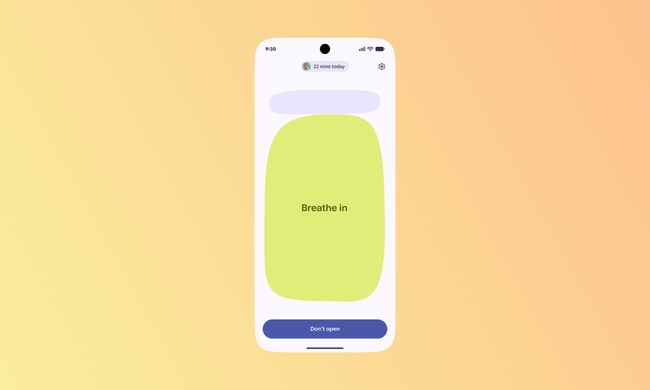
Android Pause Point screenshot.

I have spoken before about how doomscrolling has completely changed the way I consume short-form content. What used to feel like a quick break to watch a couple of YouTube Shorts or Instagram Reels somehow turned into an automatic habit I barely even notice anymore. I pick up my phone for one thing, open a social media app just for a minute, and suddenly I am trapped in an endless vertical stream of videos I did not even plan to watch. And the frustrating part is that I am fully aware of it while it is happening.

I have tried almost everything to change the habit — screen time limits, app timers, turning notifications off, hiding apps from my home screen, and even forcing myself to keep the phone away while working. Some of those tricks help for a while, but the muscle memory always creeps back in. Even during work hours, I still catch myself unlocking my phone without thinking and instantly falling back into the same doomscrolling spiral. That is why one particular announcement during the Android Show 2026 genuinely caught my attention. Buried between all the announcements was an Android 17 feature that actually feels useful. And I am weirdly excited for it to arrive on my Google Pixel 10a.

Read more
I use this iPhone feature every single time someone wants to borrow my device
Electronics, Mobile Phone, Phone

For me, there are basically two kinds of panic in life. The first is sending a risky text to the wrong person. The second is handing my unlocked phone to someone and instantly remembering that my entire digital life lives inside it. Unfortunately, I have experienced the second one far too many times. Most of the time, the reason is completely harmless. A friend wants to click a quick picture, my cousin asks to watch a reel, or someone just wants to place a food order or check the cricket score. But the second my iPhone leaves my hand, my brain starts speed-running through everything stored inside it — personal chats, banking apps, work emails, private notes, passwords, photos, and those screenshots I always forget to delete.

Smartphones are no longer just phones. They are essentially tiny, portable vaults that hold years of personal information, habits, conversations, and memories. Lending someone your device can feel like handing them a small extension of your brain for a few minutes. And honestly, that thought alone is enough to make me uncomfortable. That is exactly why one iPhone feature has become essential for me. It is called Guided Access, and I use it almost every single time someone asks to borrow my phone.

Read more
I can’t live without iPhone shortcuts. These 7 are my favorites that you must try, too.
I've been using these 7 iPhone shortcuts for years, and they've completely changed how I use my phone.
iPhone showing shortcuts app

The iPhone Shortcuts app reminds me of Minecraft. It might be relatively easy to jump into, but it offers nearly limitless potential, allowing you to build anything you want. The same holds true for the Shortcuts app, and that endless possibilities are what many iPhone users might find intimidating. But you don't have to.

If you are new to iPhone shortcuts, think of them as little automated helpers. You can build them yourself or find ones that others have built and use them. And that’s the beauty of shortcuts. If you don’t want to get your hands dirty, you can find shortcuts others have created and tailor them to your needs. 

Read more