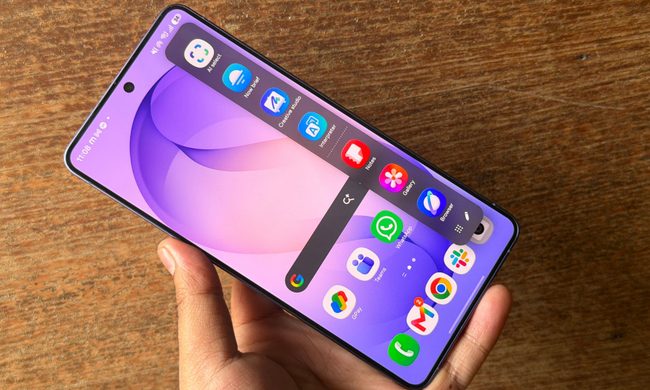
OnePlus’ next flagship phone is merely a few days away from hitting the shelves. This one is a rather holistic jump, instead of the usual generation-over-generation upgrades expected from a yearly refresh. The looks are familiar, the camera layout is technically au fait, and improvements to the battery tech stack were fairly well-expected.
I’m not complaining about what’s on the table with the OnePlus 15. On the contrary, I’m quite enjoying my test phase with the phone. But I believe it’s really the invisible upgrades across the board that are going to emerge as a pleasant surprise for buyers.
One such evolutionary change is a refined performance pipeline, which introduces a whole new processing architecture and new co-processing hardware at the chip-level to go with it all. Does it translate to real-world performance gains? Based on the time I have spent playing games on the OnePlus, they appear to do so.
The spark that sets it apart
OnePlus is marketing it all as OP Gaming Core. It’s a mix of patented power delivery architecture and a trio of physical chips, which collectively open the doors for the new OP FPS Max tech. What we have here, assisting Qualcomm’s Snapdragon 8 Elite Gen 5 SoC, are the in-house Wi-Fi G2 chip, a dedicated performance-centric chip, and a dedicated touch response chip to go with the high-refresh-rate screen and enable 165fps gameplay.
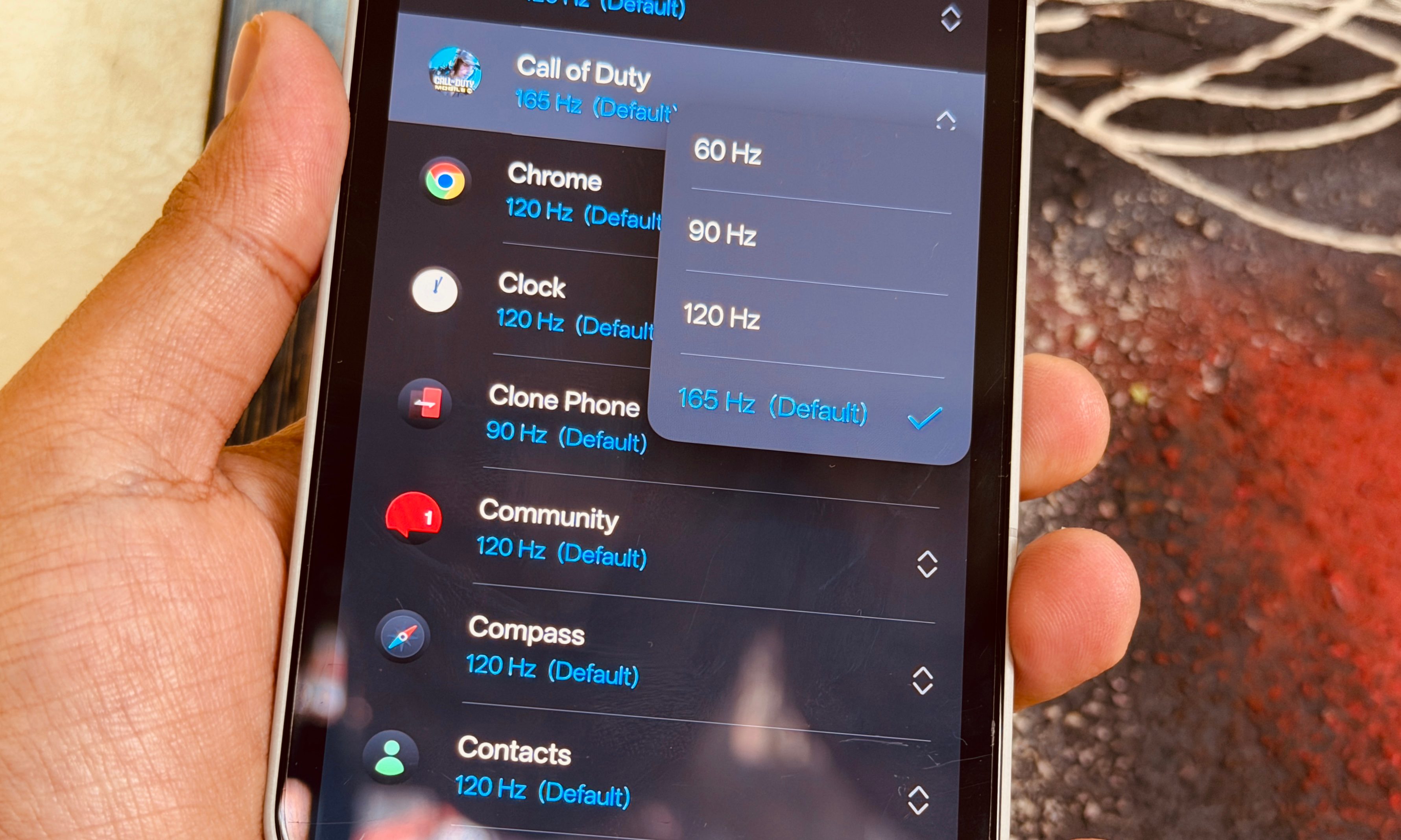
Now, before I dig into the performance and thermal figures, I’d like to highlight that the best of OnePlus 15’s gaming chops — the OP FPS Max tech — are reserved for a select few games. I am talking about the highly anticipated 165fps gaming experience, which is limited to Call of Duty Mobile, Delta Force, Arena Breakout, League of Legends: Wild Rift, and Naruto Mobile.
OnePlus has not cleared whether more games will be added to the pool down the road, and whether the experience will also be expanded to other phones with a 165Hz screen (read: Asus ROG Phone 8 Pro) once the game developer or publisher enables it for their mobile games.
Holding its fort smoothly
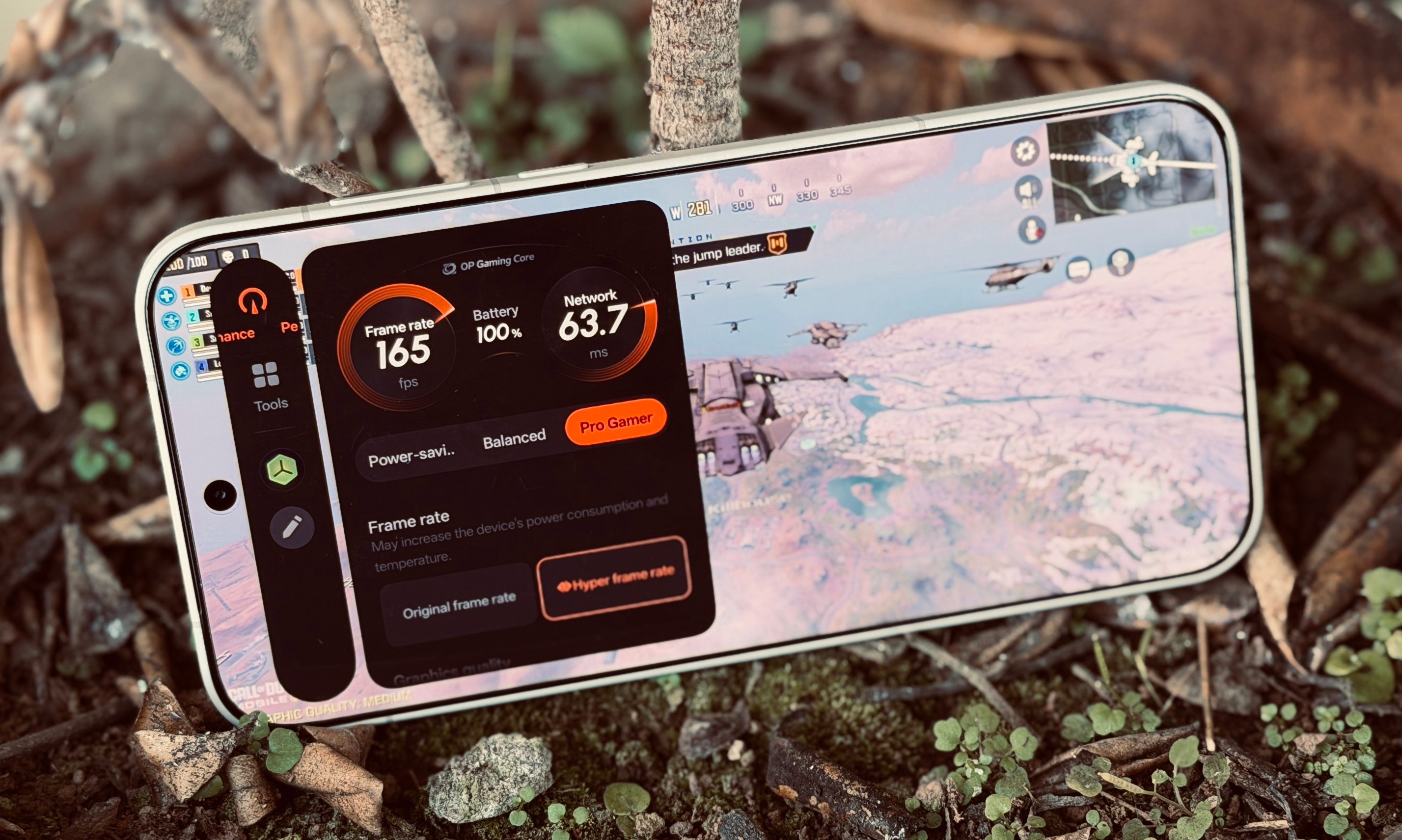
Now, let’s dig into the real-world gaming experience. In Call of Duty Mobile, the OnePlus 15 comfortably touched the 165fps figure. A cursory reading of the in-game stats overlay suggests that even during intense combat scenes, the output stays comfortably above the 155 fps range.
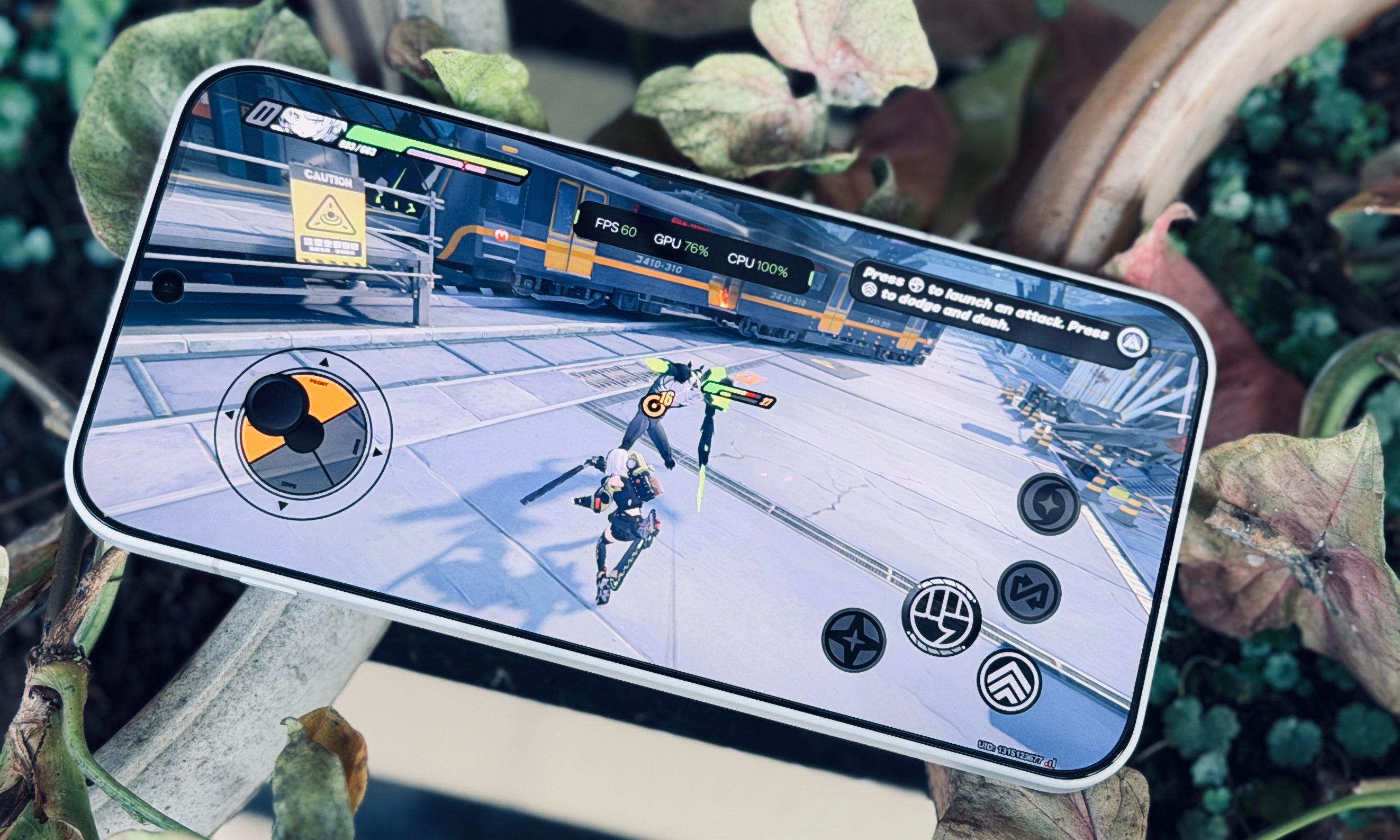
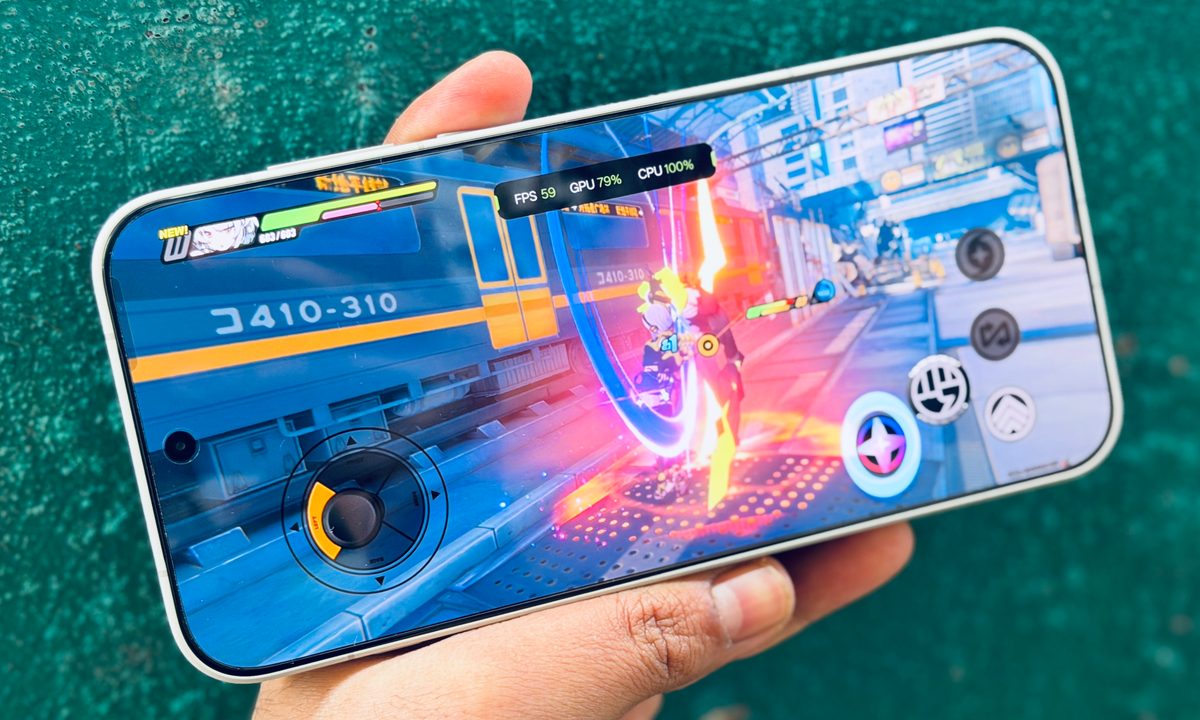
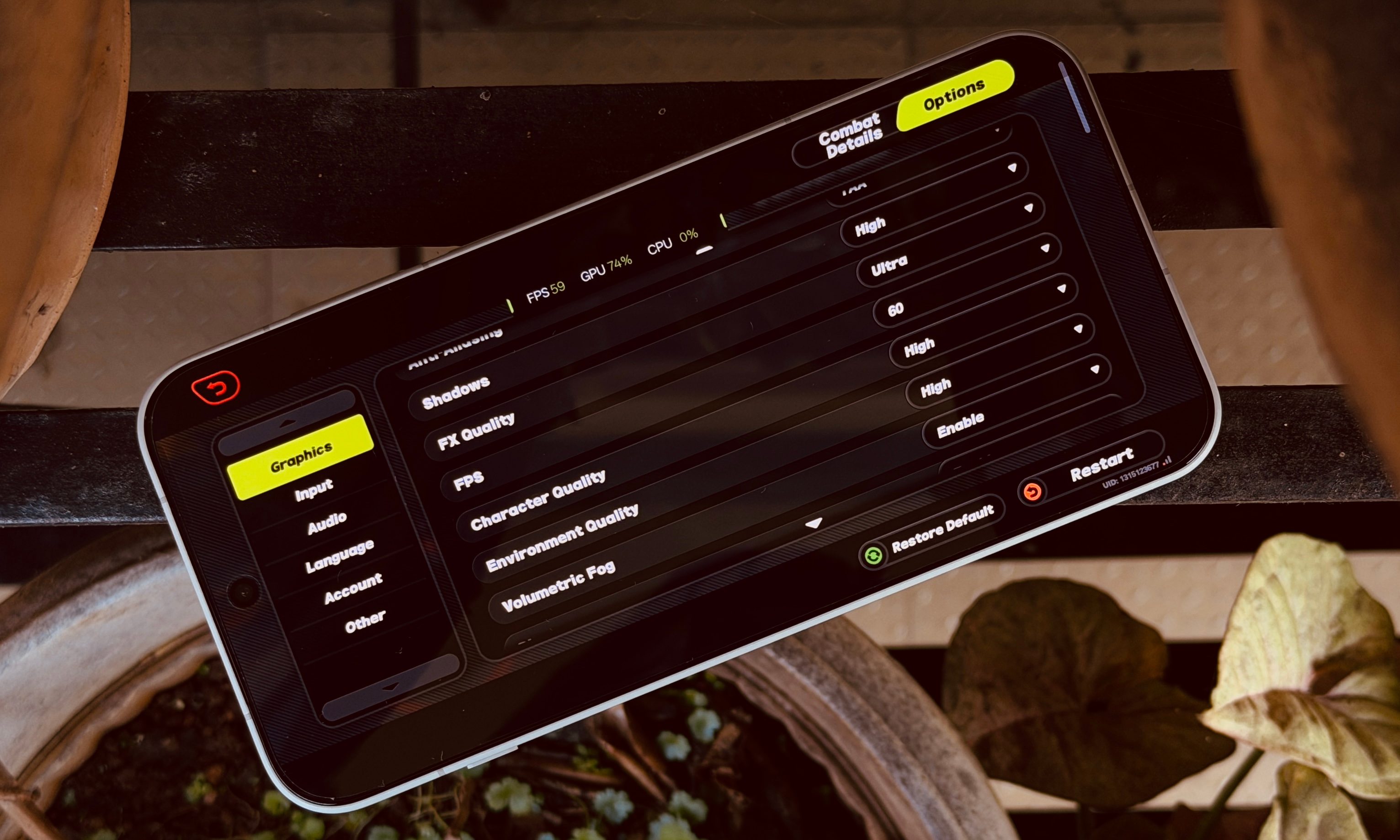
Switching things over to Genshin Impact, which is one of the demanding games out there, I had a pleasant experience, once again. I went with Render Resolution and Environmental Detail at Highest, Motion Blur at Extreme, Shadow Quality, Visual Effects, and SFX Quality at high, and FPS ceiling set to 60fps.
These visual requirements would usually bring most phones to their knees, lead to aggressive heat build-up, or performance throttling. The OnePlus 15 did a fairly impressive job. The highest temperature I recorded was around 41 degrees Centigrade, which is roughly 20-25% lower than previous-generation Android flagships.
In my second run conducted in warmer weather, the highest temperature I saw was 44 degrees Celsius. As far as the gaming experience goes, the FPS counter barely ever dipped below the 59 FPS mark. The gameplay was smooth, and there was barely any stutter where the UI froze.
In PUBG’s mobile version, you can enjoy the battle royale game at the “Super Smooth” and “Smooth” graphics preset while the frame rates are set at the “Ultra Extreme” level. Compared to Genshin Impact, the thermal efficiency was even better as the temperature levels only reached around 37 degrees Centigrade after a 40-minute session.
The output was mostly above the 118 FPS range, set against a peak 120 FPS baseline. The lowest I noticed on the stats dashboard was a 115 FPS, which is pretty impressive. With texture settings set to high and graphics preset at Epic, the OnePlus 15 comfortably managed 60+ FPS in Fortnite, but you can go even further in the 80 FPS ballpark with a bit of tuning.
The surprise performance route
A rather interesting bit about the whole OP Gaming Core architecture is the focus on stability rather than raw performance. That strategy has realistic rewards, even though it might sound controversial. After running a synthetic stress test against another phone with the same Qualcomm chip, the peak score attained by the OnePlus 15 was 7-8% lower.
But at the same time, the performance stability was twice as high. And when throttling kicks in, the performance drop is also much lower. The OnePlus 15 only sank by around 33% at its lowest, while the other Android phone with the same silicon dropped by nearly two-thirds of its peak performance.
In simpler terms, for long gaming sessions, the OnePlus 15 will maintain top-tier performance and higher frame rates without any aggressive throttling or heat buildup. Moreover, even when it crumbles under the stress of back-to-back gaming sessions, the drop in quality and FPS output should be noticeably smaller.
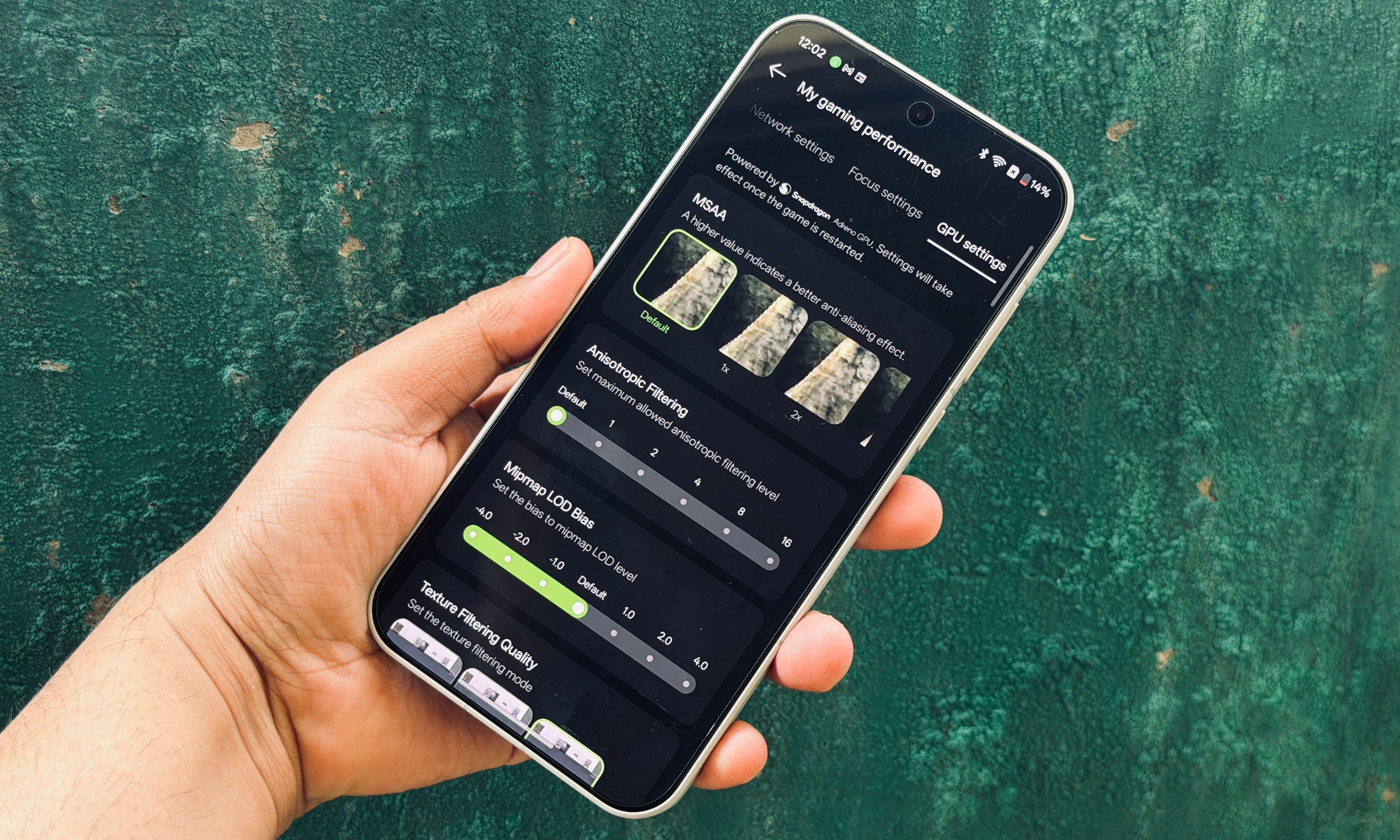
To go with the upgraded performance architecture and cooling system, OnePlus has also updated the software. The Game Assistant app serves as a dedicated launcher for games, while also offering a unified console for making performance adjustments. It is pretty similar to the dashboard you get on gaming phones such as the Red Magic 10S Pro.
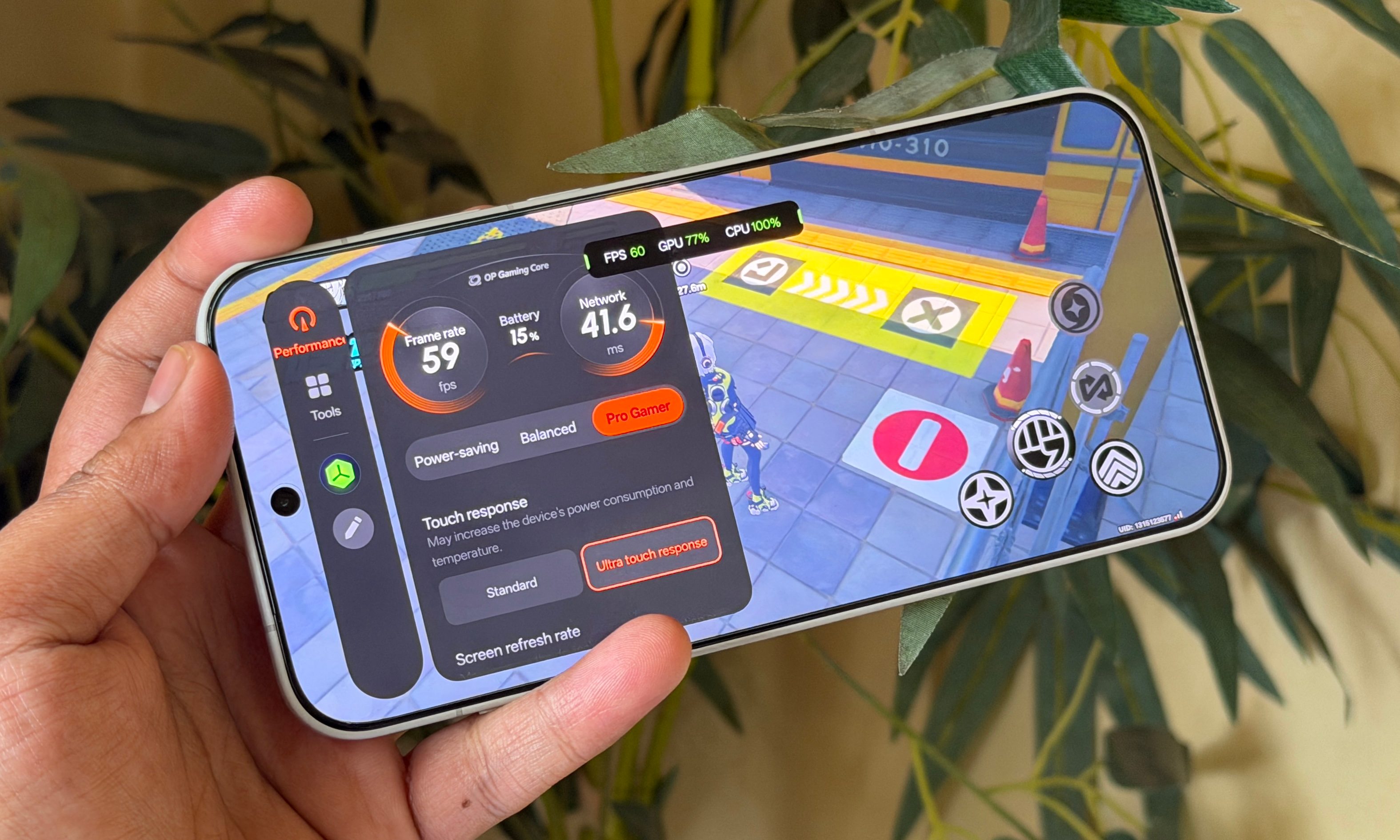
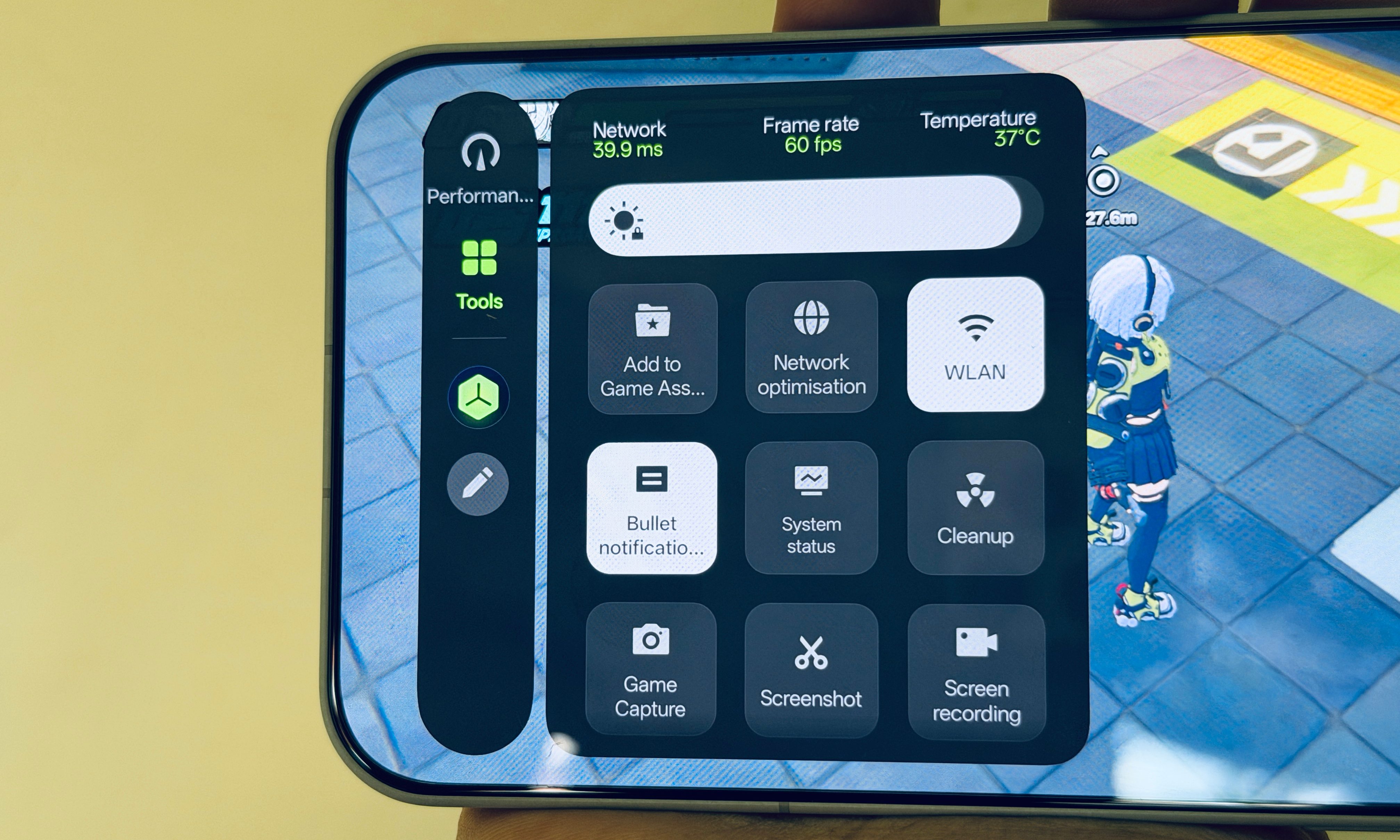
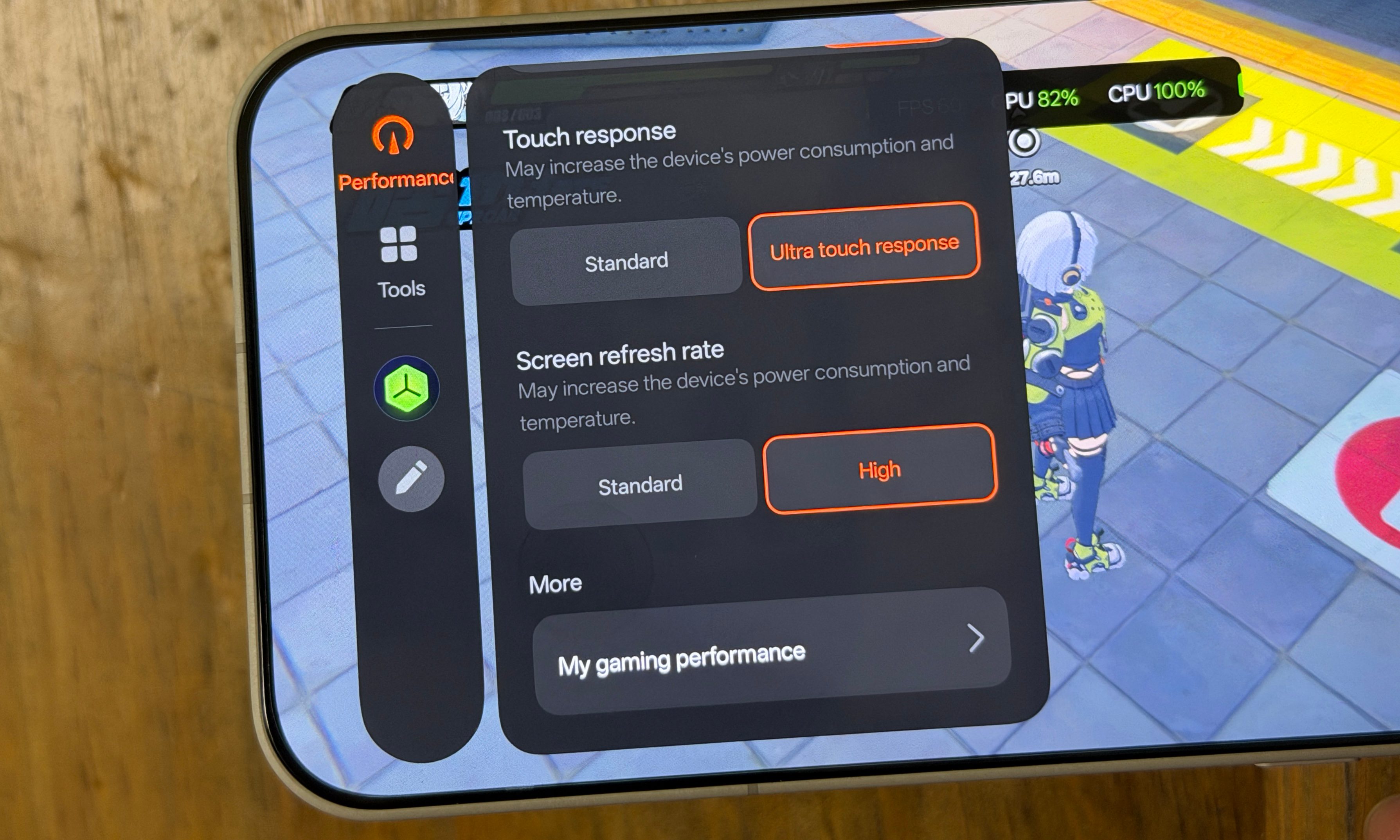
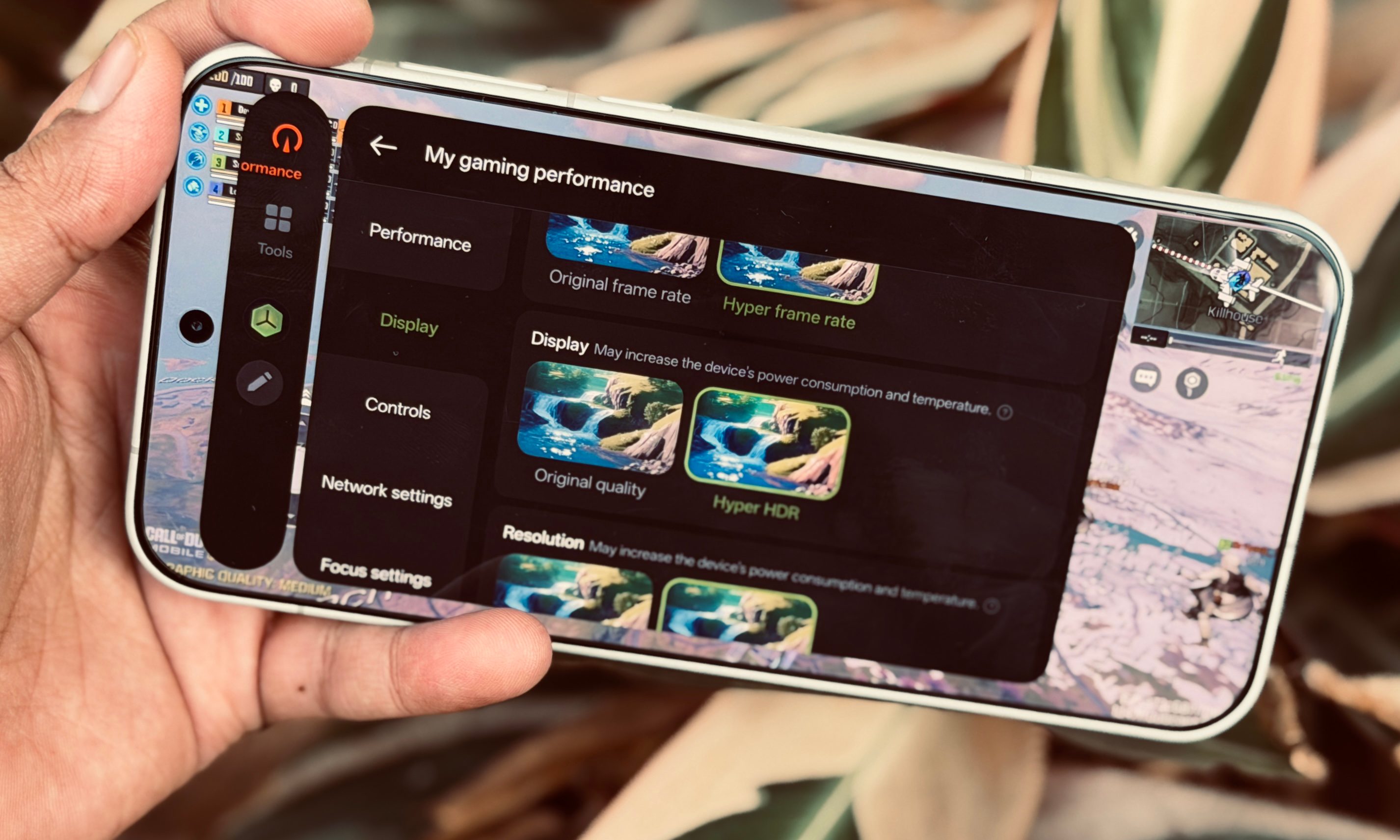
You can set the performance profile in games to draw the maximum power from the CPU and GPU in order to get the best visuals and FPS output. With a side swipe, you can open this control panel in any game to access a variety of tools. OnePlus offers Hyper frame rate and Hyper HDR tools to boost the frame output and enhance the visuals, though I didn’t see any day-and-night difference in quality after enabling them.
You also get quick toggles to adjust the resolution, refresh rate, and enable the hyper response engine to enhance the touch sensitivity in games. OnePlus also offers a cool feature that keeps the games running in the background if you need to switch apps. The core idea here is that the launch is quicker when you return to action.

The tools panel lets you enable bypass charging so that the power cord doesn’t fill up the battery, but only keeps the phone powered on. It’s a neat strategy to keep the battery healthy and avoid heat build-up. There are also quick controls available for screen capture, changing the input voice, minimizing distractions, and more.
Overall, OnePlus has done an impressive job with unlocking more performance from a silicon that is widely available out there. And with the OP Gaming architecture, it has delivered a holistic background optimization system that benefits the day-to-day performance in more ways than one.