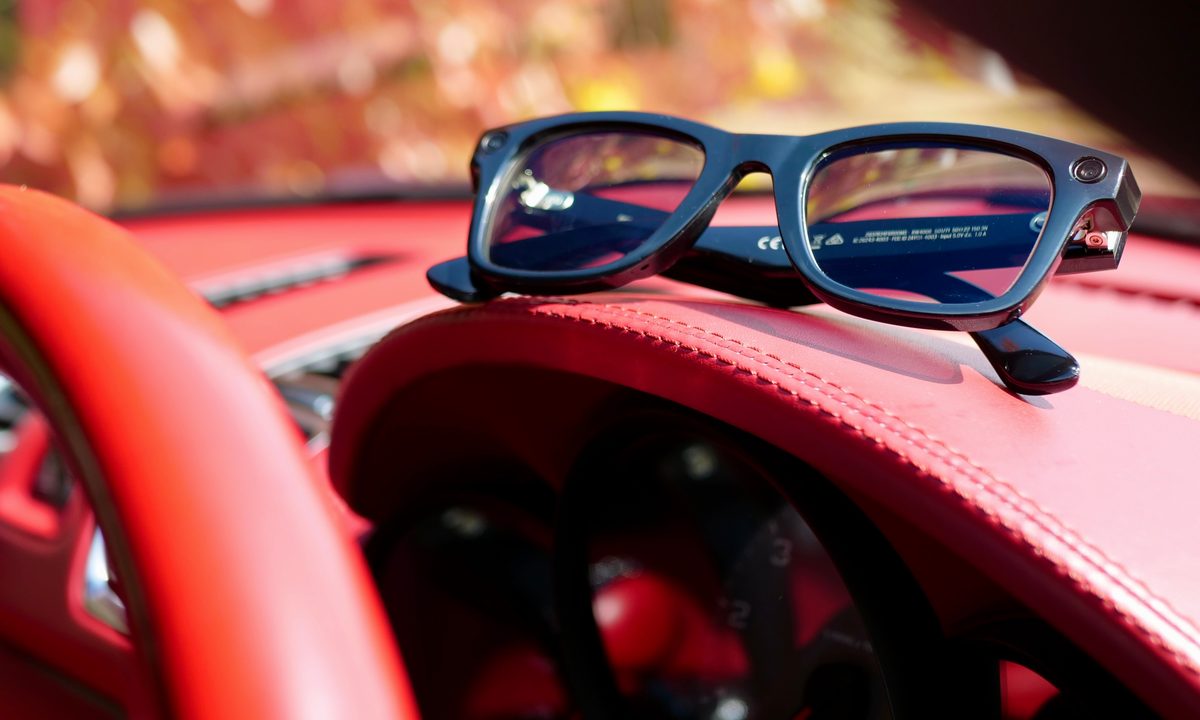
When I got a phone call telling me my newly purchased sunglasses wouldn’t be ready to collect until after a short break I’d organized, due to a quality control issue, I was a little frustrated. I was left with my Ray-Ban Meta, which wasn’t a huge problem, just not what I expected to wear. What happened afterwards was an adventure where I rediscovered what makes these smart glasses so special.
Why not just use them in the first place?
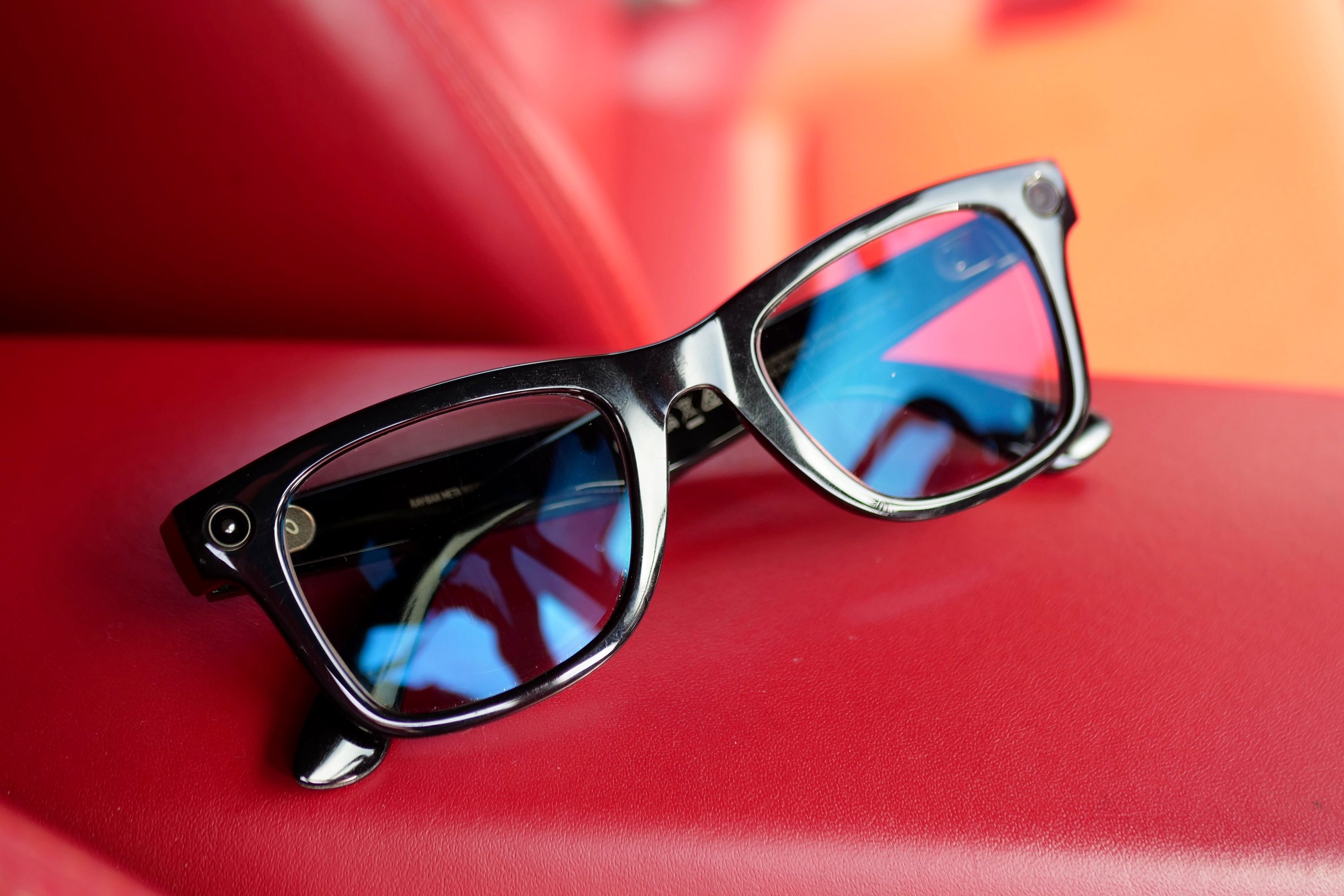
If there is nothing wrong with my Ray-Ban Meta, why had I bought another pair of sunglasses? The reason isn’t anything to do with the smartglasses, but with the lenses. I have the Ray-Ban Transition lenses with my own prescription fitted, meaning they lighten and darken according to the amount of sunlight, and I can wear them inside and outside.
The trouble wass, the main focus of my time away was driving, and the Transition lenses don’t operate very well inside a car. It’s something to do with the coating on a car windscreen which cuts out ultraviolet (UV) light, and the Transition lenses rely on UV to go from light to dark. The situation becomes the glasses don’t darken very much inside the car, and when you expect to spend hours per day in the car, this isn’t very helpful.
I also find that while in general the Ray-Ban Meta are very comfortable to wear, after four or five hours they can feel quite heavy on my nose. There are two grippy pads on the inside of the bridge, and eventually these start to slip and cause the smart glasses to weigh down on your face. It’s not something I notice unless I wear them for very long periods of time. These two points contributed to my decision to buy another pair of sunglasses for the trip.
On the drive
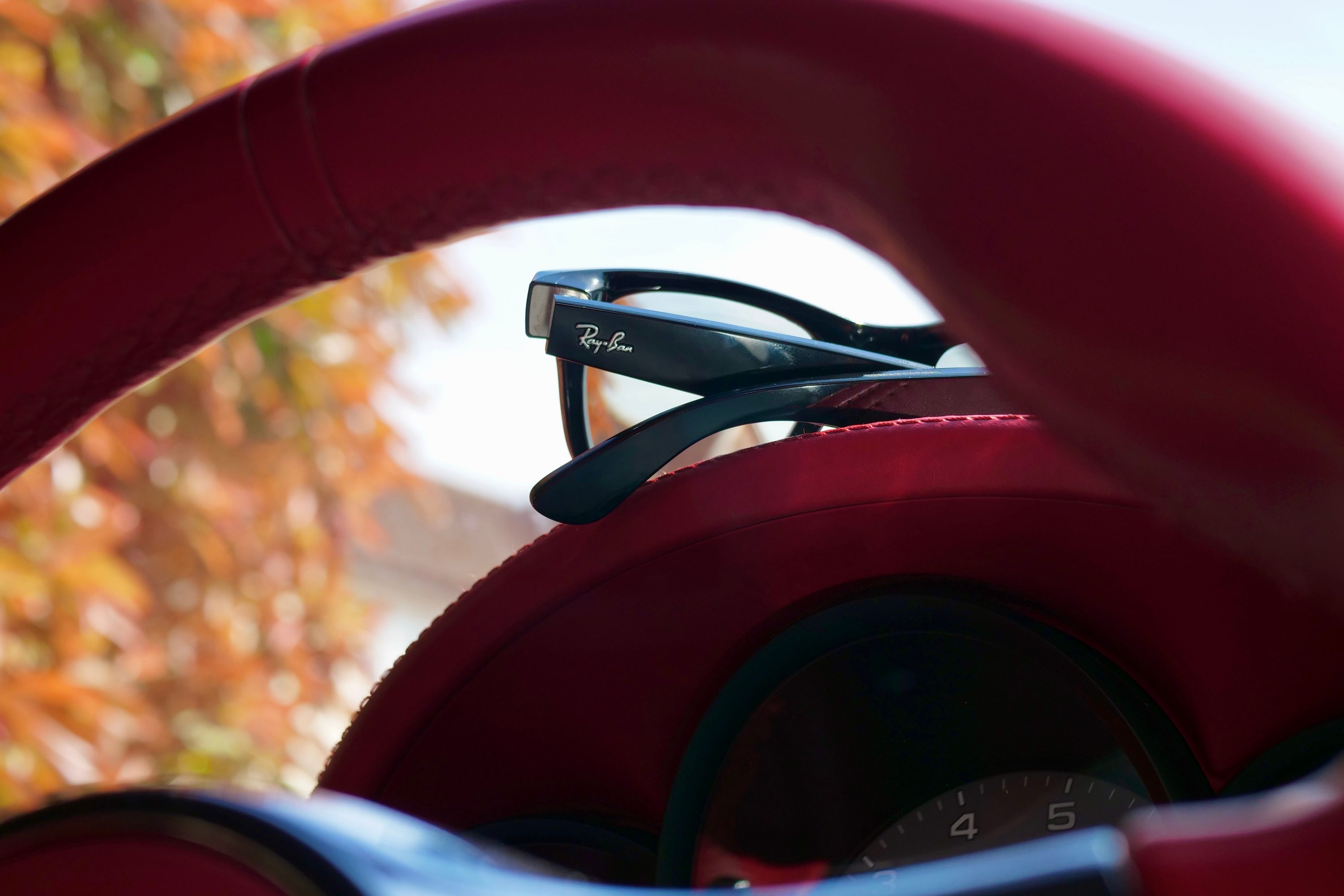
Sure enough, these two issues became apparent on my initial six hour drive. The Transition lenses do gain a slight tint inside the car, but they’re far from dark, and I can still see my eyes through the lenses. It’s enough to take the edge off harsh sunlight, but it’s definitely a compromise. I chose the Transition lenses so I could see what it was like to live with the Ray-Ban Meta all the time, but if I didn’t care about wearing them as much as possible, I’d choose standard sunglass lenses with my prescription next time.
I wore the Ray-Ban Meta smartglasses for at least seven hours per day, over the course of four days, and for the most part of that time they were very comfortable and I never felt they were anything other than normal sunglasses. I feel this is a testament to the superb design and attention to wearability on Meta and Ray-Ban’s part.
It’s hard to pin down exactly when they cross over to become a bit uncomfortable. It’s likely when it’s hotter, and my face sweats a bit, as I find pushing the smart glasses up my nose alleviates the problem for a short while. While they’re fairly light for tech-laden smart glasses, they are heavier than non-tech sunglasses, and you will eventually notice them. However, these are two quite specific issues which may only really affect me, but it should give you a good idea of just how easy these smart glasses are to live with each day.
Using the camera again

If my new sunglasses had arrived, I’m fairly sure I would have worn them all the time, just because they were new, and this would have meant I missed out on my favorite part of the Ray-Ban Meta — the fantastic camera and its first-person video mode. Because driving was the whole point of the trip, and the roads and scenery were breathtaking, the Ray-Ban Meta’s camera allowed me to capture and therefore remember it in a way that would be impossible with another device.
The “Hey Meta, shoot a video” voice command worked flawlessly every time, even over the sound of the car and with the convertible roof down, allowing me to record videos of the beautiful surroundings, all from a first-person viewpoint.
I love the way the videos look. They’re bright and colorful, the stabilization is excellent, and it’s so quick and easy to import them from the glasses to your phone. I use them connected to the Meta AI app for iOS, and the each video is stored in the phone’s Gallery for easy viewing. The Ray-Ban Meta smart glasses complemented my phone in a nice way, as I used them only for video, and shot stills with my phone. It allowed me to be present and enjoy everything around me in a far more natural way than holding up a phone to record video.
Would I buy them again?
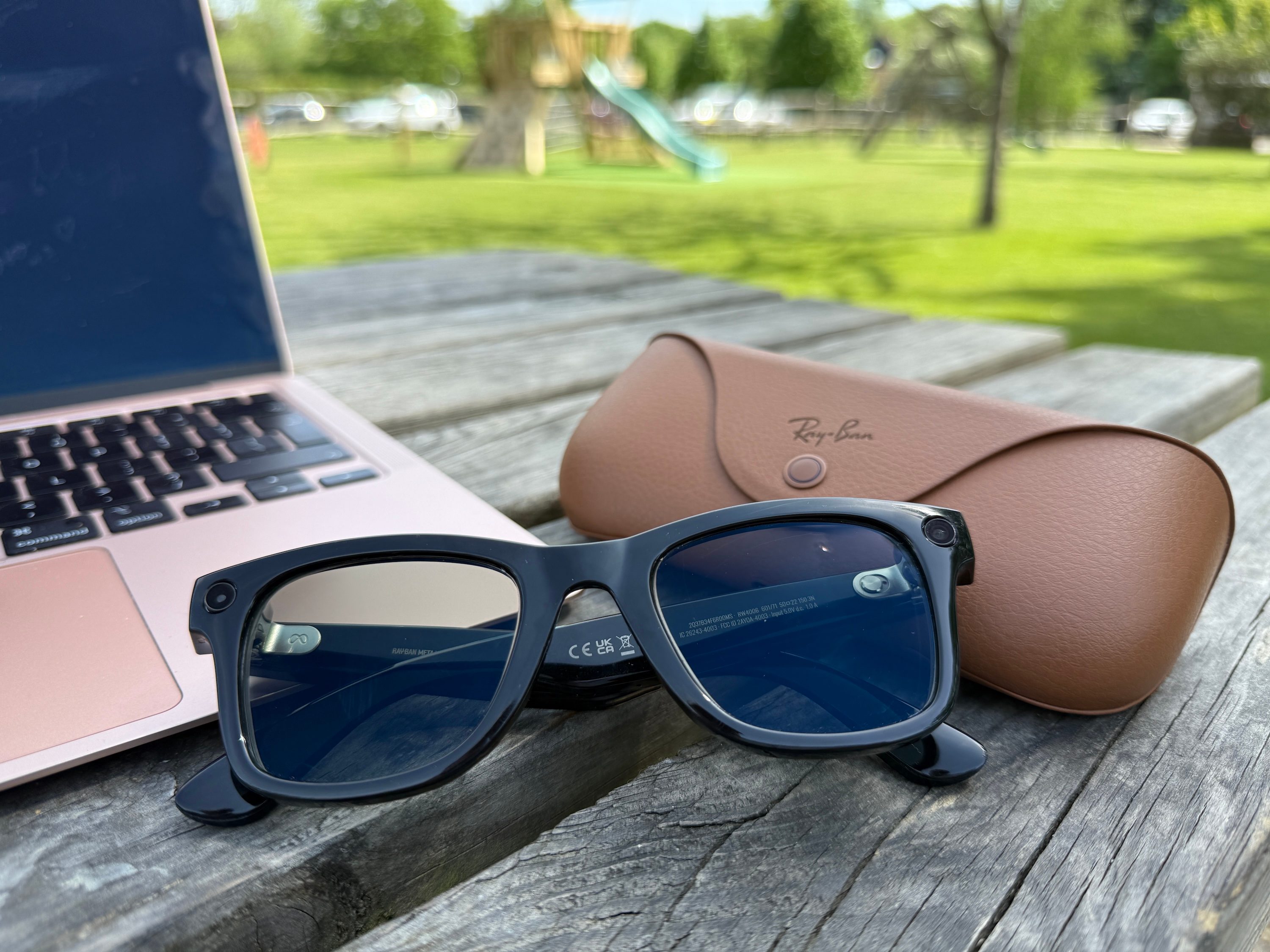
The Ray-Ban Meta smart glasses have been available for about 18 months, which considering the technology is quite surprising, especially as they still feel fresh and delightfully futuristic. People I show them to remain amazed by what they can do, and often immediately see how they would it into their lives, whether it’s using the camera or the equally helpful audio system.
I rarely use the AI features, but this is true for all mobile AI applications, but can see how the visual search feature can be useful. Its accuracy is often uncanny, and it doesn’t take long to return any results either. I haven’t had the chance to test the translation feature in the real world yet, but because you don’t need to hold a device up to use, it’s likely to feel quite natural, aside from requiring a voice command to activate.
I’ve used Ray-Ban Meta for more than a year now, and even though I’ve got a new pair of sunglasses coming, it won’t stop me using them. Wearing them over the last few days reminded me why they’re one of my favorite pieces of tech. In the future I’d like them to have more notification support, and I’d love a small display for heads-up information, but these are wishlist features. The Ray-Ban Meta smart glasses are brilliant at what they do, and I’m really rather glad my new sunglasses didn’t arrive before I went away.