1. Home
  2. Computing
  3. News

Microsoft is fixing a Windows 11 search issue that has probably troubled you a dozen times

Bing might finally stop showing up before your local files in Windows Search

Add as a preferred source on Google
A man sits, using a laptop running the Windows 11 operating system.
Microsoft

Windows 11 has plenty of annoyances baked into the operating system, but I’ve often found Search to be among the most frustrating. You use it to find an installed app or a file saved somewhere on your PC, and Windows appears to show the right result.

Then you click it, and Microsoft Edge opens a Bing search page instead. It is a small issue, but it makes Windows Search unreliable for basic local searches. Now, in the latest insider experimental build, Microsoft seems to be addressing this issue.

Windows Search may stop pushing the web first

Microsoft is now testing a change that should make Windows 11 Search better at showing local results. In Windows 11 Insider Experimental Preview Build 26300.8493, the company says the Windows Search Box is getting relevance improvements, starting with apps and files.
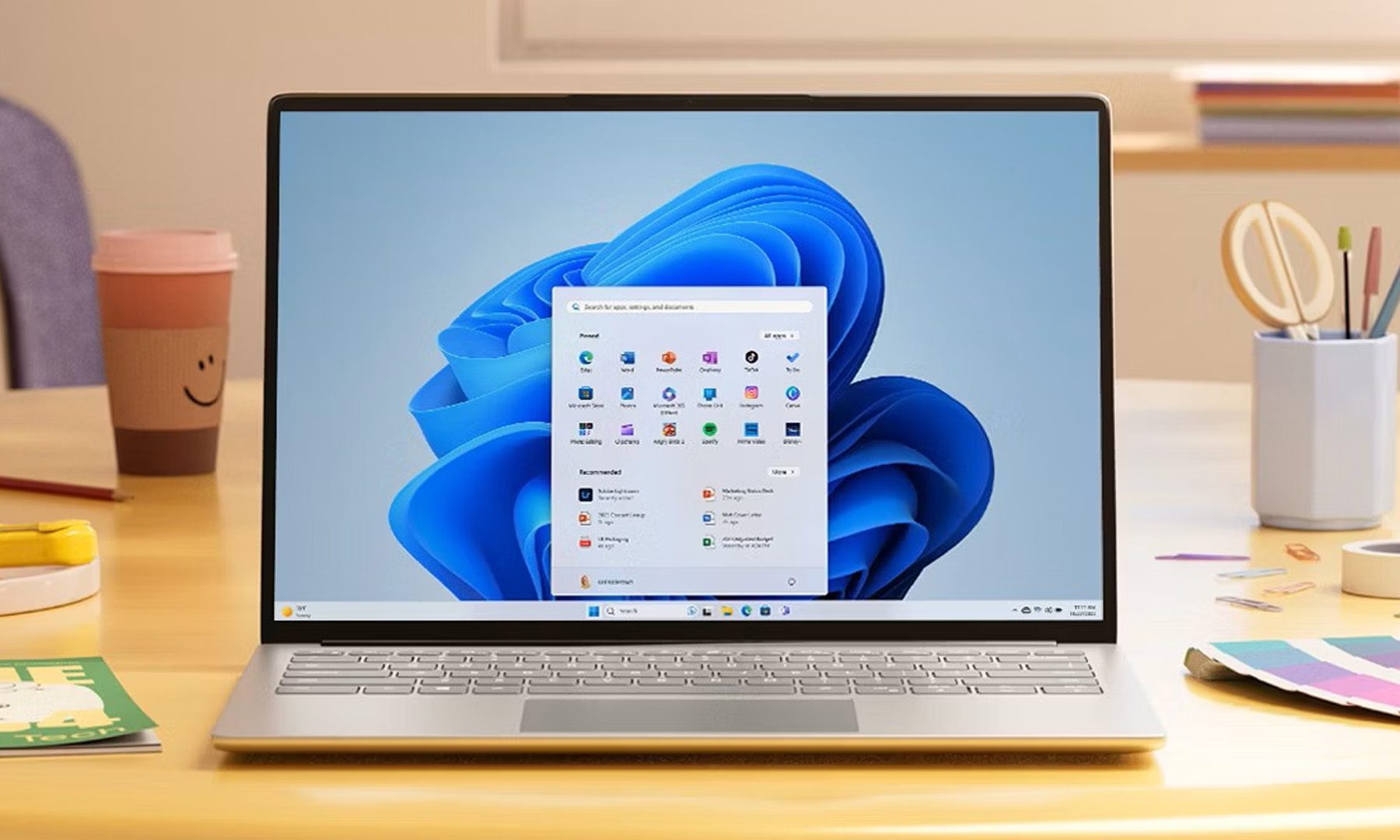
According to Microsoft’s release notes, files and apps should “more reliably appear ahead of web suggestions” when they are the better match for what the user typed. Web results are not being removed, but they should no longer take priority as often when the answer is already on the device.

Recommended Videos

Windows Latest reports that the change is already visible in some preview builds. In its testing, Windows 11 showed local files and apps above web suggestions, even when the search query included typos. Microsoft also says more relevance improvements are planned in future builds.

Microsoft is cleaning up Windows 11 bit by bit

This is not the only Windows 11 fix Microsoft has been testing recently. The company has also been working on several smaller changes that target long-running complaints, including better taskbar behavior, automatic driver cleanup, improved memory efficiency, faster app launches through a low-latency mode, quicker right-click and Quick Settings actions, and File Explorer improvements.

None of these fixes will make Windows 11 feel new overnight, but they could make it less frustrating to use every day.

Sudhanshu Kumar Mangalam
I’ve got about 4 years of experience, mostly covering gaming, PC hardware, and smartphones. In my free time, I like…
Apple made Liquid Glass adjustable, which says plenty about Liquid Glass
The new slider is useful, welcome, and mildly hilarious after a year of Apple acting like transparent everything was the obvious future.
Text, Document, Business Card

Apple’s big glassy software future now comes with a way to make it less glassy. In iOS 27, users can adjust the translucency of the Liquid Glass effect, while macOS Golden Gate adds its own Liquid Glass controls under System Settings.

Liquid Glass is still alive across Apple’s platforms, still shimmering through menus and panels, still doing the elegant UI trick Apple clearly likes. The big visual bet has already earned a dimmer switch. After a year of treating translucency like the obvious next step, WWDC’s most revealing design update may be the one that lets people dial it back.

Read more
Windows 11 just fixed one of Search’s dumbest limitations, and you’ll wonder how you lived without it
One less character, one less annoyance every time you search your PC.
Person sitting and using a Windows Surface computer with Windows 11.

If you have ever typed two letters into the Windows 11 search box, paused, and watched nothing useful happen until you added more characters, you already know exactly why this Windows 11 update matters. 

Microsoft's June 2026 Patch Tuesday update, part of a release Windows Latest calls the biggest of the year (via Windows Latest), quietly fixes that. Windows Search can now find and prioritize files with as few as two characters, down from the old three-character minimum.

Read more
Brazil’s secret World Cup weapon taught the team when to ignore it
The data said he wasn't running enough. The footage said he was always in the “perfect tactical position.”
Soccer ball in net

Brazil has more World Cup titles than anyone, five of them to be precise, but after going through five straight tournaments without adding to that count, the team is leaning hard on data this time. 

Every player wears a sensor-packed "smart vest" tracking field position (via GPS), heart rate, and a stat called "player load," the same kind of numbers that your Whoop band or Apple Watch brags about, but tuned specifically for the sport.

Read more